106
Embroidery Selection
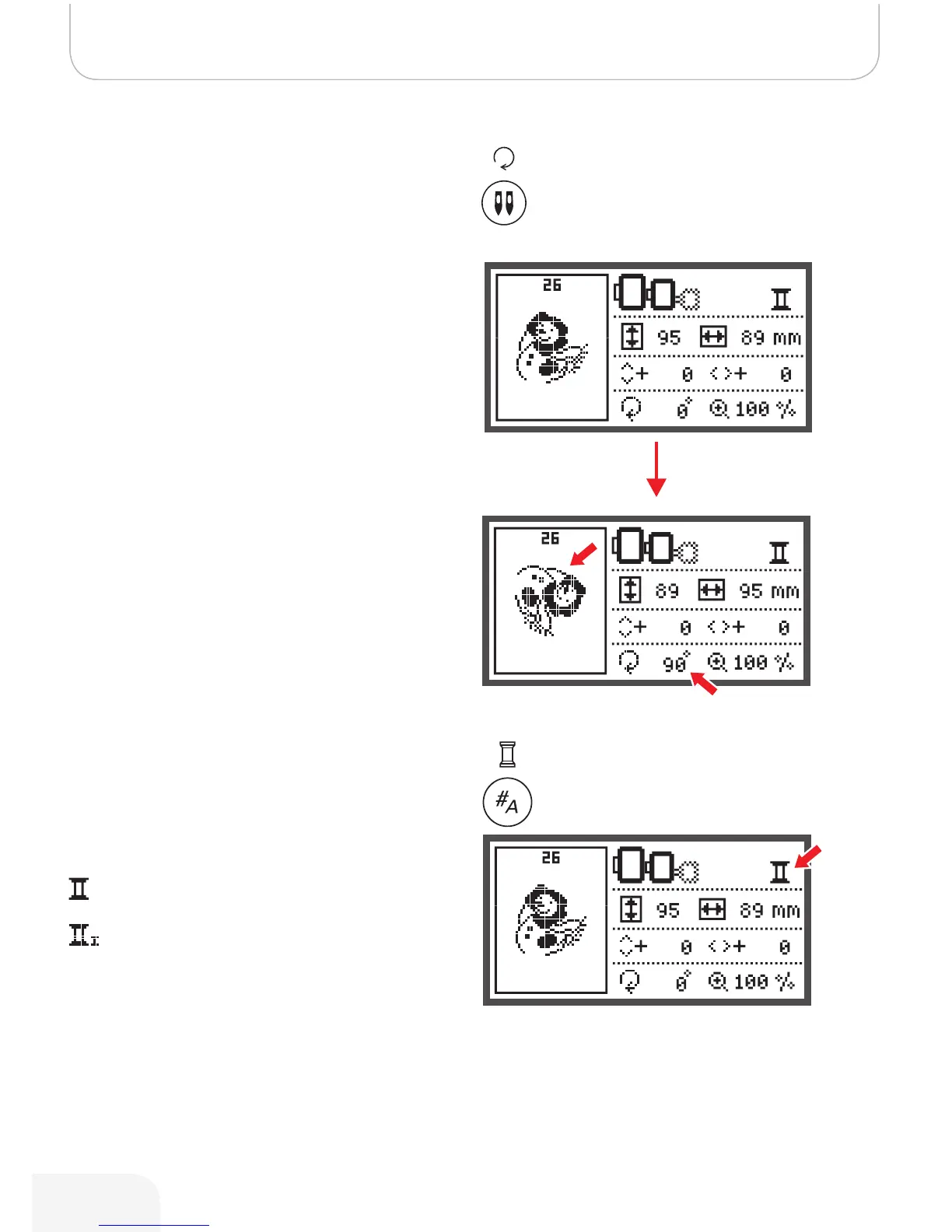
Rotating the Design
• Press the button to rotate the embroidery design.
It will rotate 90 degrees clockwise each time when pressing
the button, the angle of the design will be shown.
The icon to rotate the design appears.
Single/ Multi color
• Press the button to set the single or multi color for the
embroidery design.
Multi color
Single color
502020.83.11_2013_06_bernette chicago 7_EN



 To Next Page