83
Special Functions
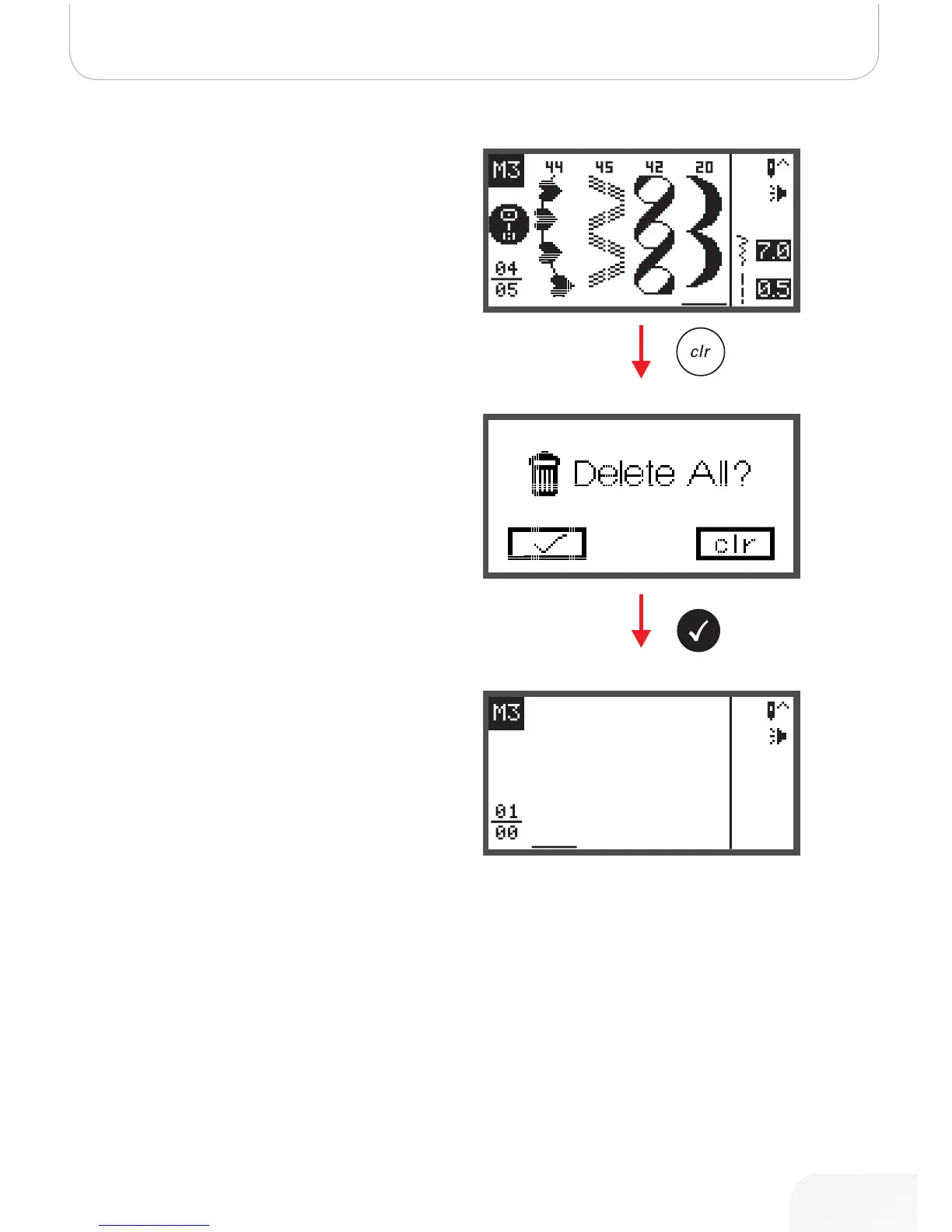
Memory Editing functions - Delete ALL
• Repeat steps from «Delete a stored stitch».
• When pressing the clr button keep it pressed for a few
seconds until the machine asks again if everything
should be deleted.
• Press the OK button if all patterns should be deleted
and the machine returns to the previous Memory file
which is empty now.
• Press the clr button if they shouldn’t be deleted and the
machine returns to the previous Memory file with all
stored patterns.
502020.83.11_2013_06_bernette chicago 7_EN



 To Next Page