73
Special Functions
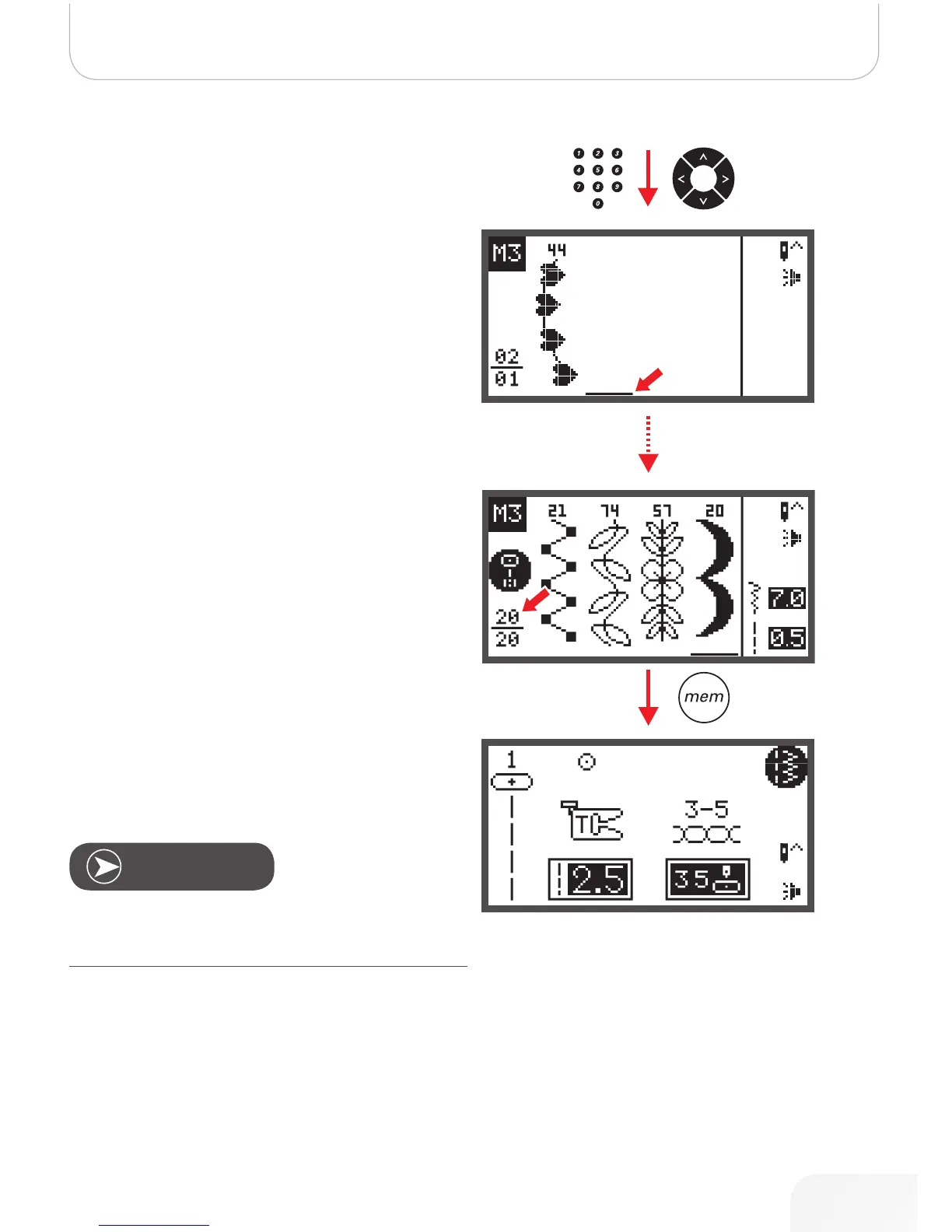
• Press the desired pattern number or use the arrow but-
tons to select the desired pattern.
• When using the arrow buttons, press the OK button to
store the selected stitch.
– The selected pattern appear on the LCD display
and the cursor moves to the next position.
• When pressing the number buttons the machine will
automatically store the selected stitch which appears
on the LCD display and the cursor moves to next posi-
tion.
• Repeat the steps for more patterns to be stored in the
memory.
After 20 patterns have been selected, the memory is full. If
another pattern is selected when the memory is already full
the machine will beep to make you aware of it.
To sew the memorized patterns press Start/Stop button or
touch the foot control.
The selected pattern will be cleared from the Memory file
when the machine ist turned off without having pressed the
memory button again after the completed selection.
Note
502020.83.11_2013_06_bernette chicago 7_EN



 To Next Page