75
Special Functions
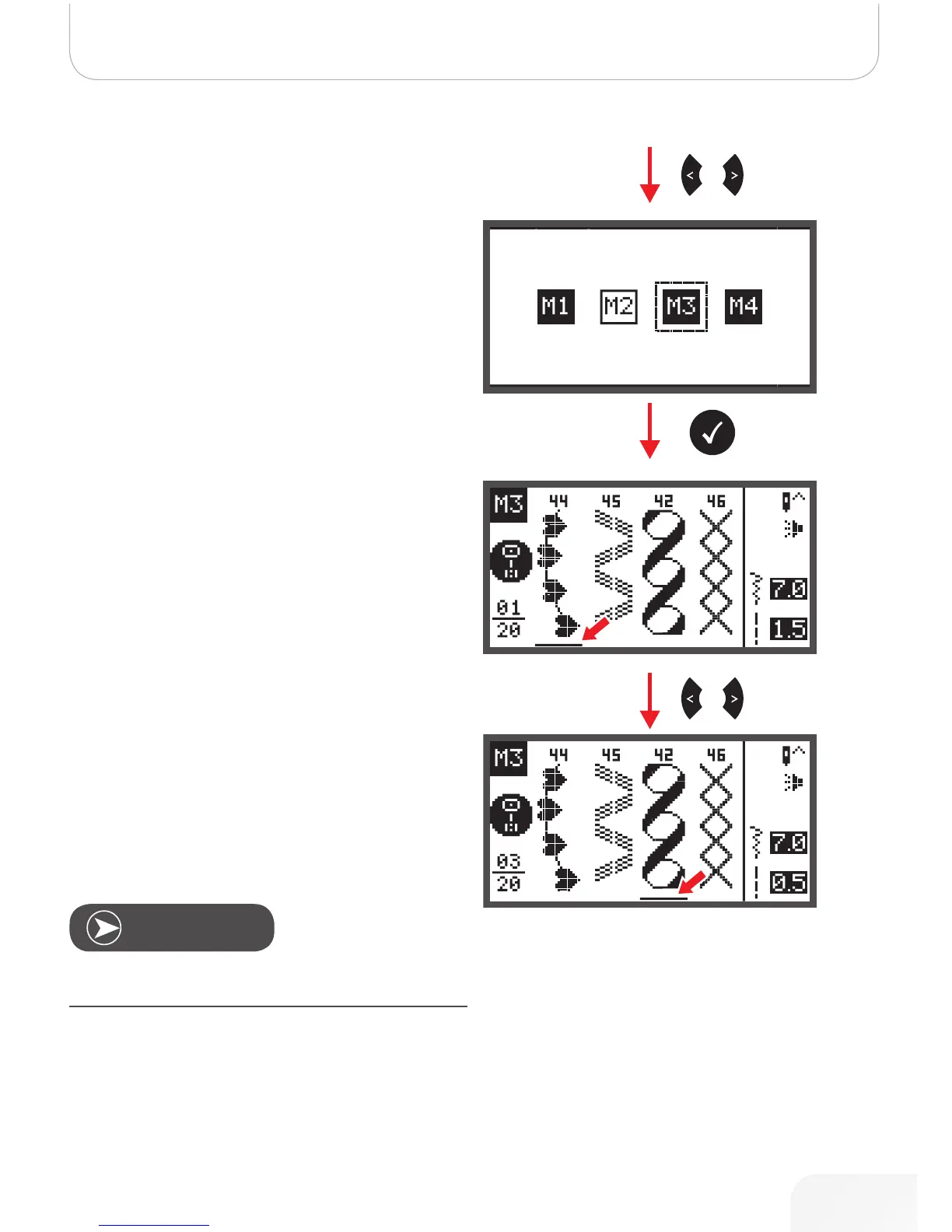
• Use the arrow buttons to choose the desired Memory
file.
• Press OK button to enter the selected Memory file. The
cursor stays at the first position.
• Use the arrow buttons to move from position to posi-
tion.
Press Start/Stop button or touch the foot control to start the
continuous sewing from the current position in the memory.
Note
502020.83.11_2013_06_bernette chicago 7_EN



 To Next Page