81
Special Functions
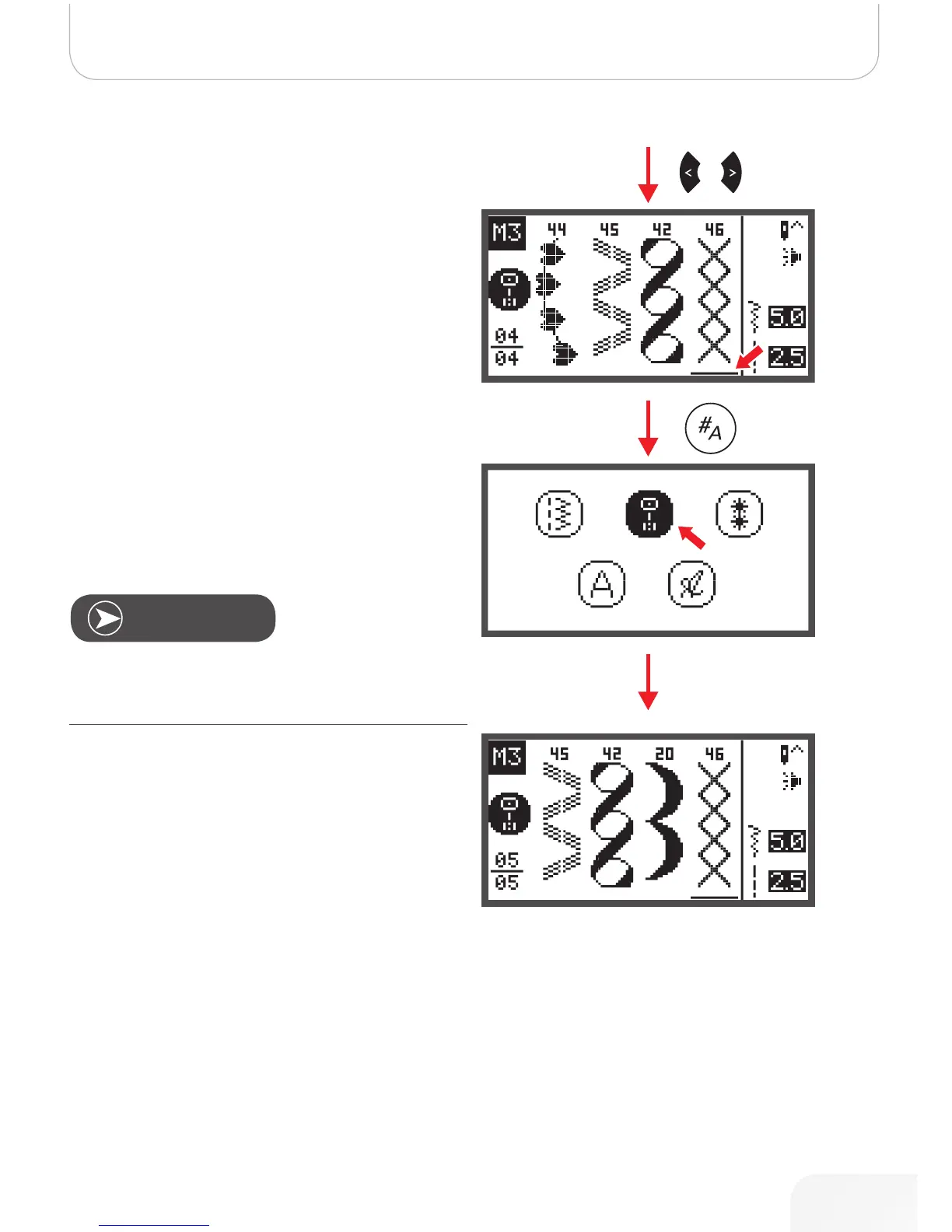
• Use the arrow buttons to move the cursor to the posi-
tion where you want to insert a new stitch.
• Press the pattern group selection button to enter the
pattern group selection browser and choose a new
stitch.
The parameters of the selected stitch, such as stich length,
stitch width, mirror image, double needle and elongation can
be altered by pressing the respective button.
Note
502020.83.11_2013_06_bernette chicago 7_EN



 To Next Page