56926BA2, Rev. 02, 04/2019
Perform Reset and Factory Reset
During the restart, the detector is not ready for measurement!
All settings made, such as plateau recordings and event logs, are lost when the
detector is reset to factory settings.
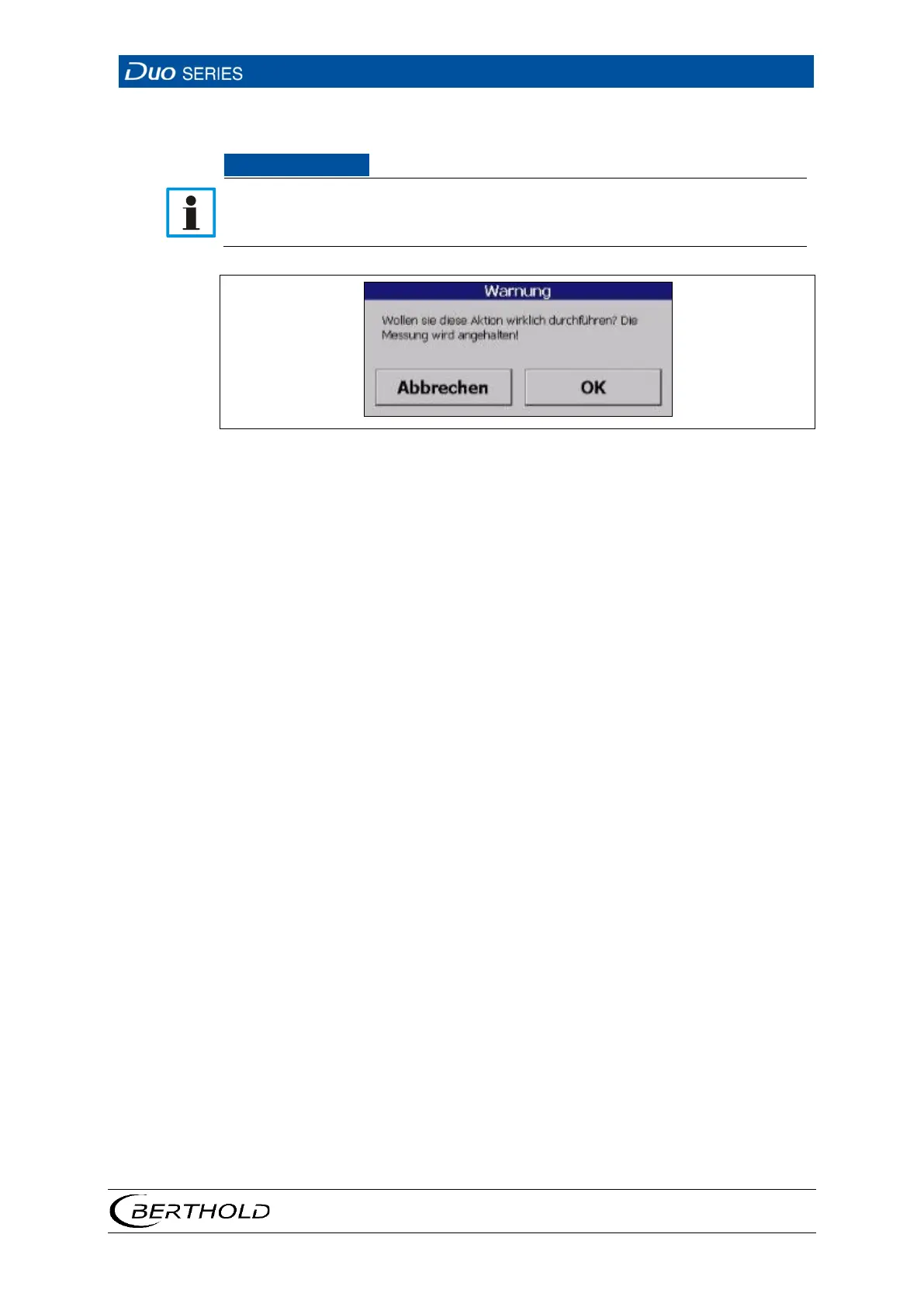
23 Warning message
1. Click on the desired Reset Button in the Reset submenu of the menu group
Device Setup .
u A warning message appears.
2. Confirm the warning message by clicking on <OK>.
u During the restart, the PC-program loses the connection to the detector for
a few seconds. The connection is automatically restored after the restart.
After restart, the detector is ready to measure again.









 To Next Page