56926BA2, Rev. 02, 04/2019
6.2 PC Software
The following system requirements have to be met:
System requirements Menu language: English
Windows XP or higher
512 MB RAM
1 gigahertz processor
USB port
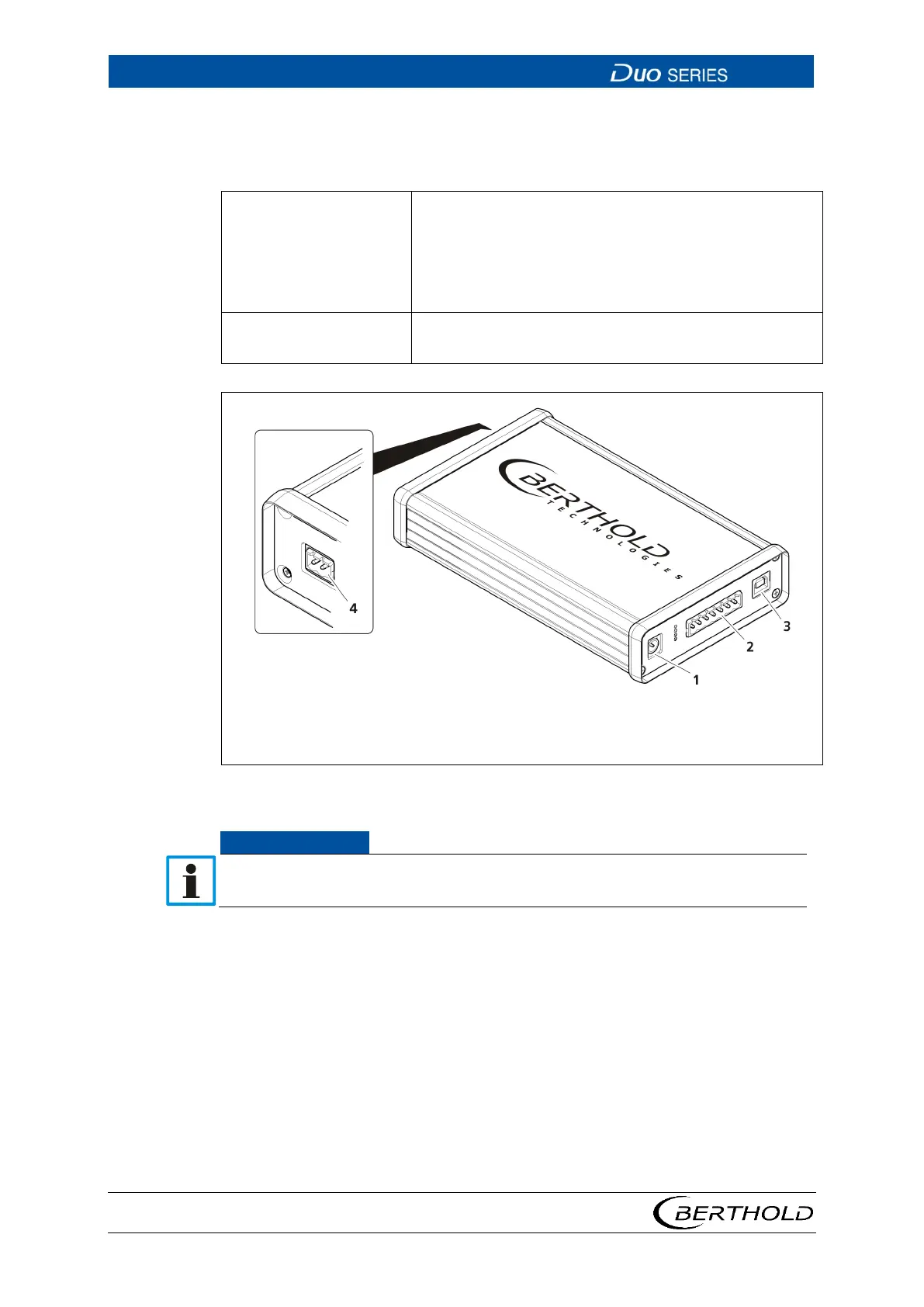
Connections USB port
2-pin FSK interface to the detector
2
3
Terminal strip
USB port
14 Detector Service Modem
If the detector service modem is used on intrinsically safe detectors, the detec-
tor service modem with intrinsically safe FSK interface must be used.
1. Install the driver by running the driver file "BertholdRS485.exe" before con-
necting the detector service modem.
2. Execute the installation file "Setup.exe" in order to install the operating soft-
ware
"LB 4700 PC".
u Access to the detector is possible with the operating software "LB 4700
PC".
3. Connect the detector to the 2-pin FSK connector of the detector service mo-
dem (Fig. 14 item 4).
4. Connect the detector service modem via the supplied USB cable (Fig. 14 item
3) to an available USB port on your PC.









 To Next Page