56926BA2, Rev. 02, 04/2019
Reset
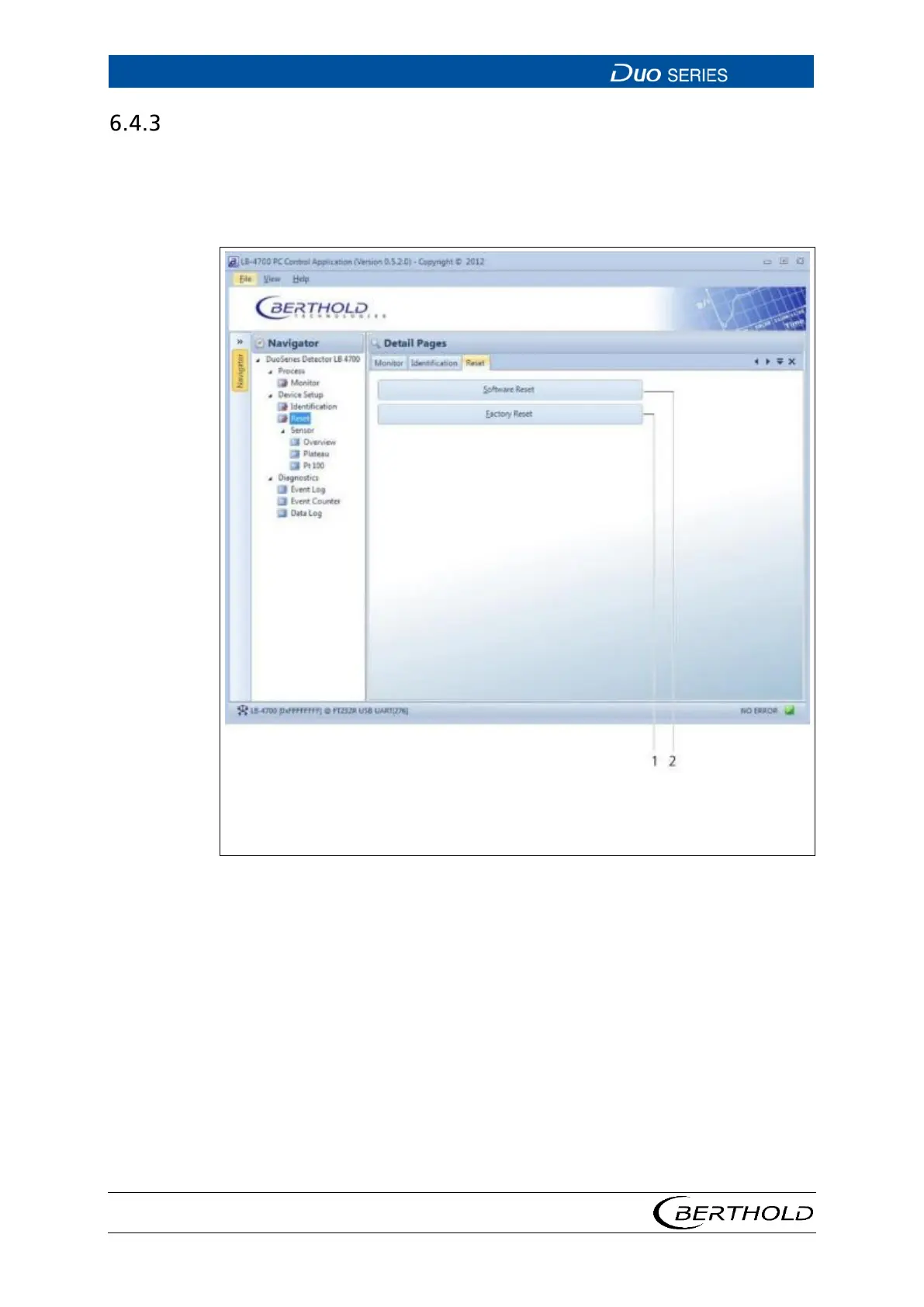
In this submenu, you can restart the detector or reset it to the factory settings.
u Open the Reset submenu in the menu group Device Setup of the navigator
by double-clicking on
<Reset>.
2
Button <Software Reset> performs a restart of the detector.
Button <Factory-Reset> resets the detector to the factory settings and performs a
22 Device Setup | Reset









 To Next Page