56926BA2, Rev. 02, 04/2019
5. Connect the detector service modem via the supplied power adapter to the
power supply.
6. Start the program "LB-4700 PC PC-Software.exe".
u The program opens.
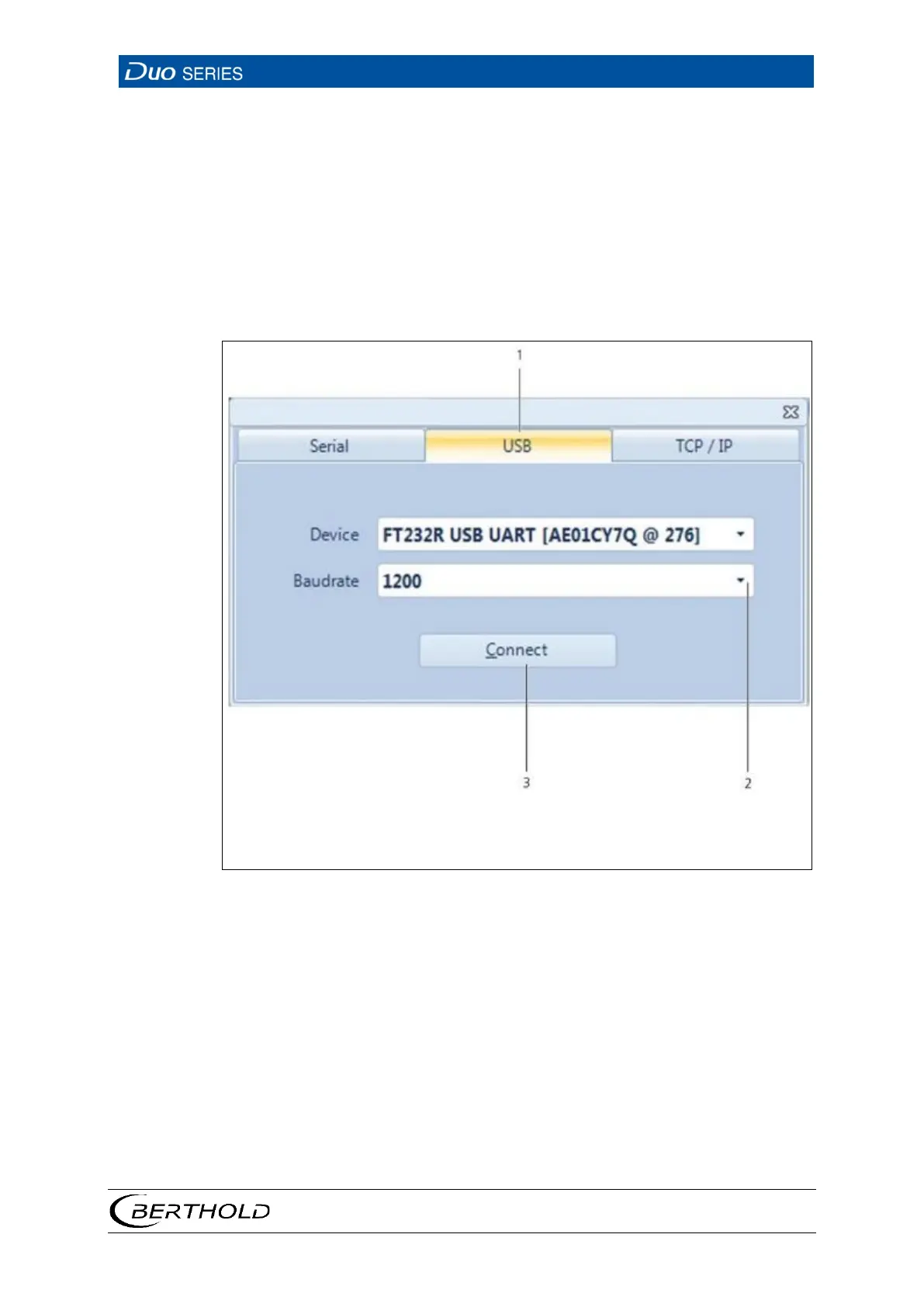
7. Click on the tab <USB> (Fig. 15, item 1).
8. In the selection menu (Fig. 15, item 2), select a baud rate of 1200.
9. Click on <Connect> (Fig. 15, item 3).
u Die Startseite des Programms LB-4700 PC öffnet sich.
2
Selection of baud rate
15 Connection Window, Operating Software "LB-4700 PC"









 To Next Page