56926BA2, Rev. 02, 04/2019
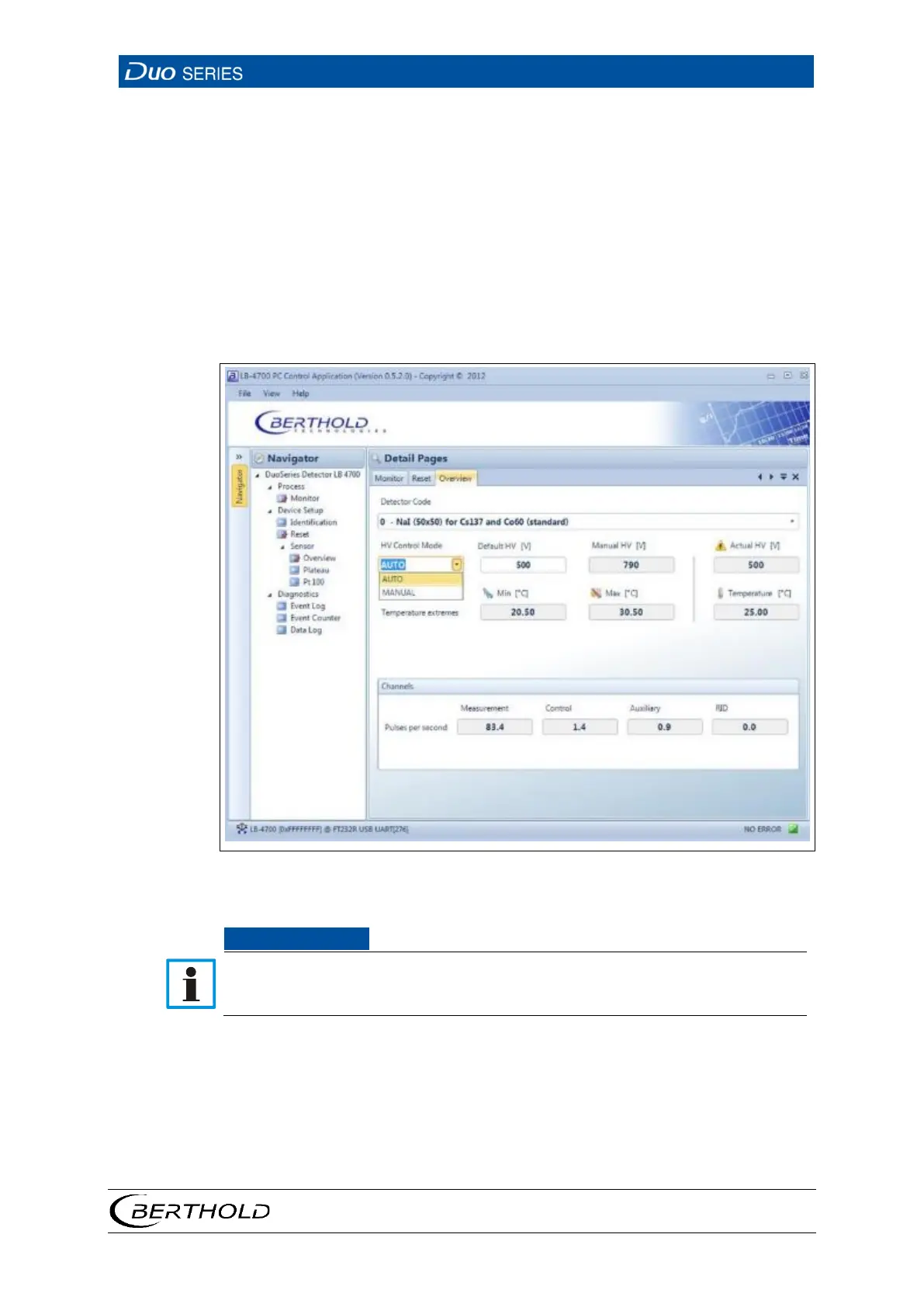
Setting the High Voltage Control
Click on the selection arrow (Fig. 24, item 2) in order to set the desired HV mode
(auto or manual).
The optimum high-voltage supply of the photomultiplier is
automatically determined and set by the device
The high voltage is maintained at a fixed, user-entered
value (manual HV, Fig. 24, item 9).
Click in the input field "Default HV" (Fig. 24, item 10) in order to enter the desired
starting value for the high voltage control.
26 Device Setup | Sensor | Overview | HV Control Mode
Default HV is preset by BERTHOLD. A subsequent change is not usually neces-
sary. The default value HV = 0 may only be set for testing purposes. An incorrect
setting may cause malfunction.









 To Next Page