LB 983 NightSHADE Operating Manual Quick Start
23
In this case the default systems filter management file will be copied to your computer.
If you reinstall the software the current active systems filter management file will be
overwritten.
Note: Due to the fact that the setup will install virtual device drivers for the NightShade
hardware on your computer, the Windows-system might show a warning that a signa-
ture of a Windows driver cannot be verified. In this case allow the setup to install these
Windows drivers.
After the installation the controller will be initialized for the first time.
If the installation was performed using an instrument specific installation media (USB
Stick) the configuration procedure can be slightly different since the installer has al-
ready copied the instrument configuration to disk from the USB Stick during installa-
tion.
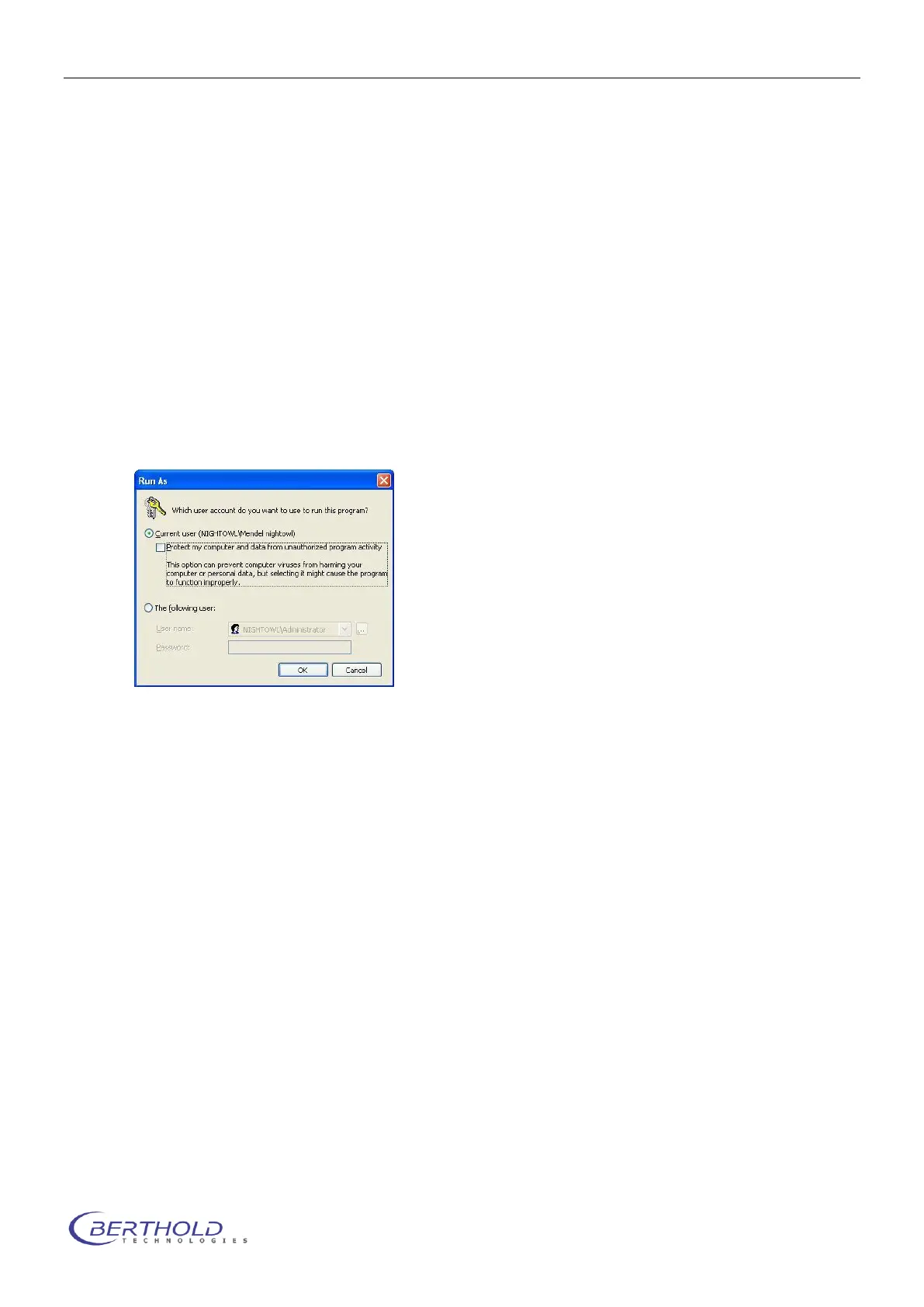
On some Windows XP operated machines the following dialog may pop up.
In this case make sure to uncheck the box “Protect my computer…”. Otherwise the in-
stallation could fail due to insufficient access rights.



 To Next Page