Quick Start LB 983 NightSHADE II Operating Manual
52
4.2.7 Image Sequences
In addition to single measurements indigo also offers automatic sequence measurements.
These kind of measurements allows automatically triggered measurements in a predefined
schedule.
To creat a sequence measurement proceed as follows.
To start a sequence refer to <Acquisition & Scheduling>, <Create a new Schedule>.
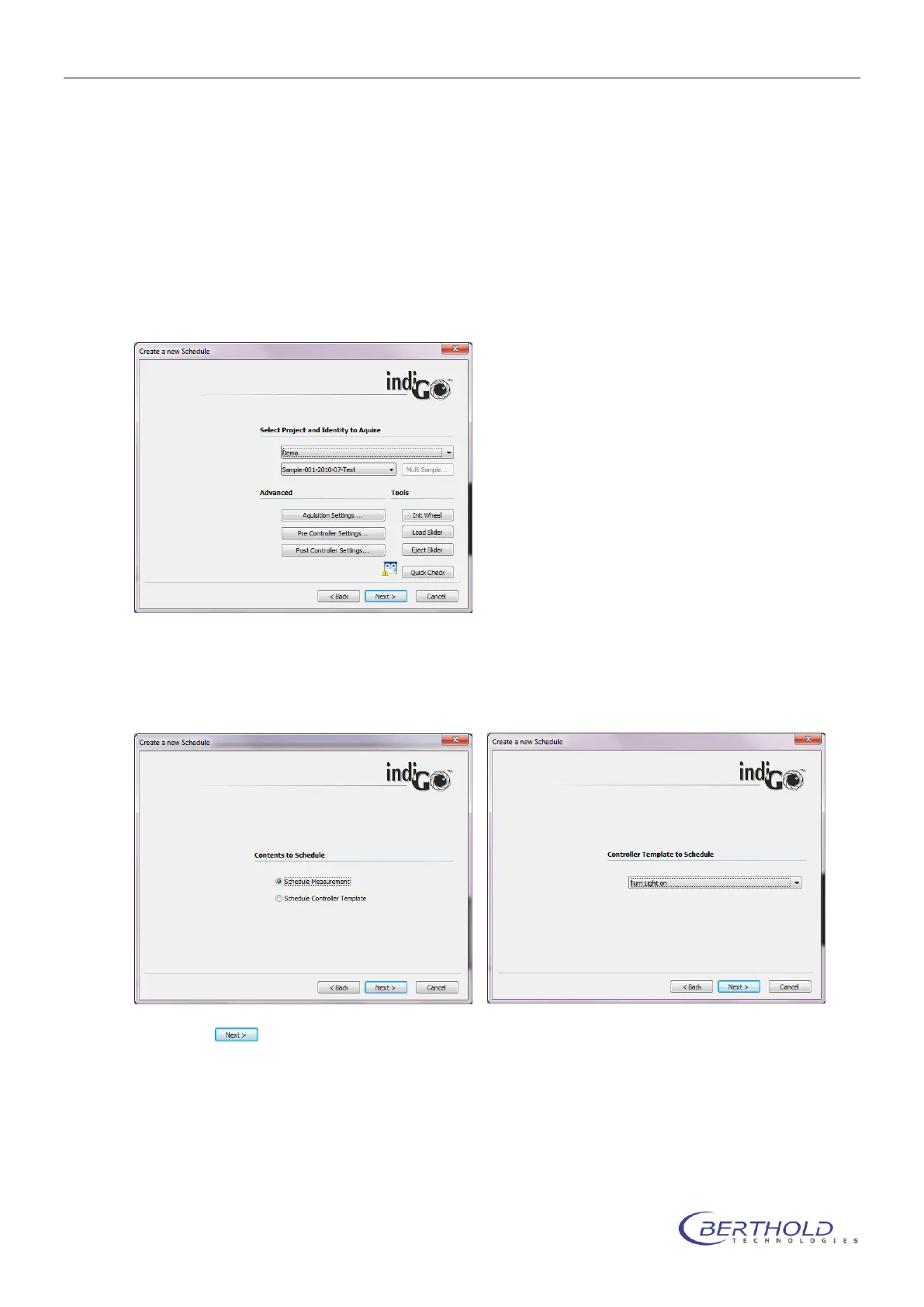
The sequence wizard will be shown:
First of all the type of scheduled event must be specified. For Scheduled measurements choose
“Schedule Measurement”, for control actions (lights on, mains switch, etc.) choose “Schedule
Controller Template”.
Choosing the measurement mode a Project and sample ID must be selected.In case of the con-
troller Template mode, the corresponding controller template must be selected from the list.
Clicking on leads to the following dialog box.



 To Next Page