indiGO Software Documentation LB 983 NightSHADE II Operating Manual
86
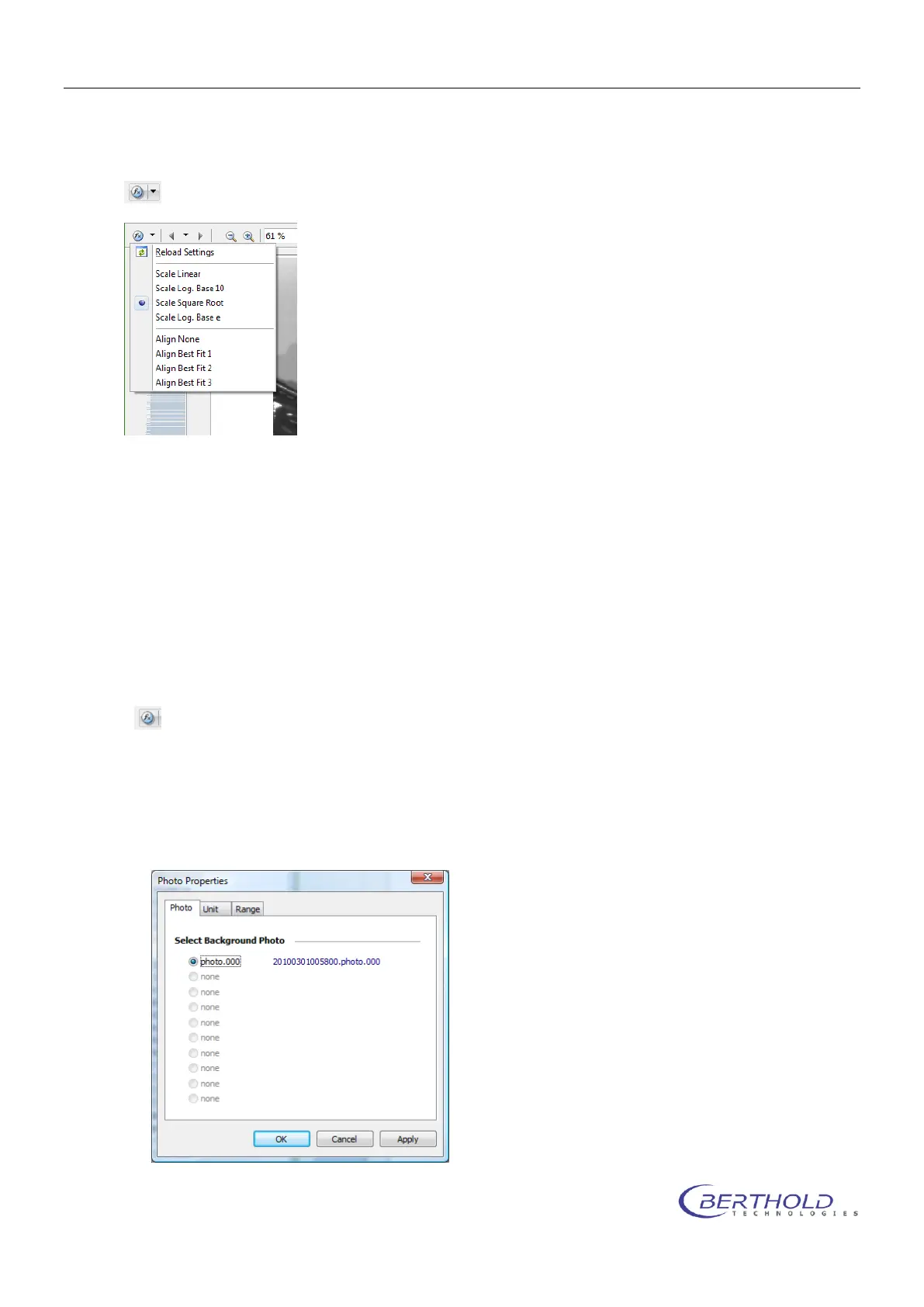
6.5.1 Photo Properties Quick Menu
To access the drop down menu simply click on the arrow next to the icon shown below.
Reload Settings
Reload the last stored settings for the scaling and the alignment.
Scale
Scale the contrast of the photo using the selected algorithm.
Align
Align the contrast sliders using the selected algorithm.
6.5.2 Photo Properties Dialog
To access the photo properties dialog simply click the icon shown below
Photo
The Photo page is used to select the active photo.
If a measurement contains more than one photo, the photo displayed with the measurement
can be selected.



 To Next Page