LB 983 NightSHADE Operating Manual Quick Start
59
4.3.4 Surface Plot
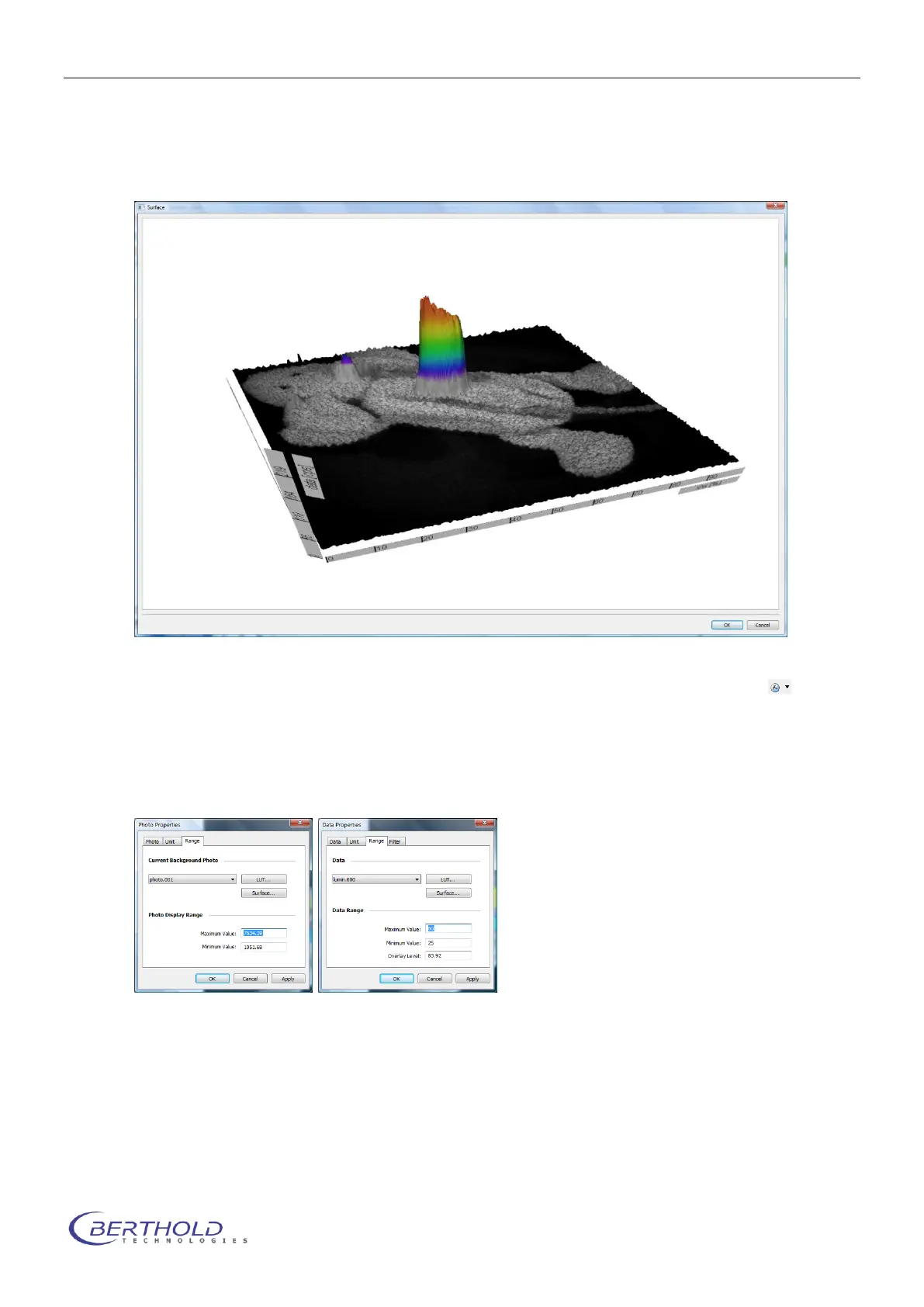
To get a 3D surface plot select <Surface> from the <Report> menu.The surface can be used
for 3D visualization of the measured data.
To create a 3D surface plot from the photographic image only please refer to associated
command. The same applies if you want to create a 3D surface plot from the measurement data
only.
From the dialog <Photo Properties> or <Data Properties > select <Range> and start <Sur-
face>.
To change the perspective of the 3D-view pick the graph and move the image to the position
required. To zoom in use the mouse wheel.
To animate the surface double-click on the graph.
Please note:
The windows displaying the surface can be resized.



 To Next Page