Quick Start LB 983 NightSHADE II Operating Manual
34
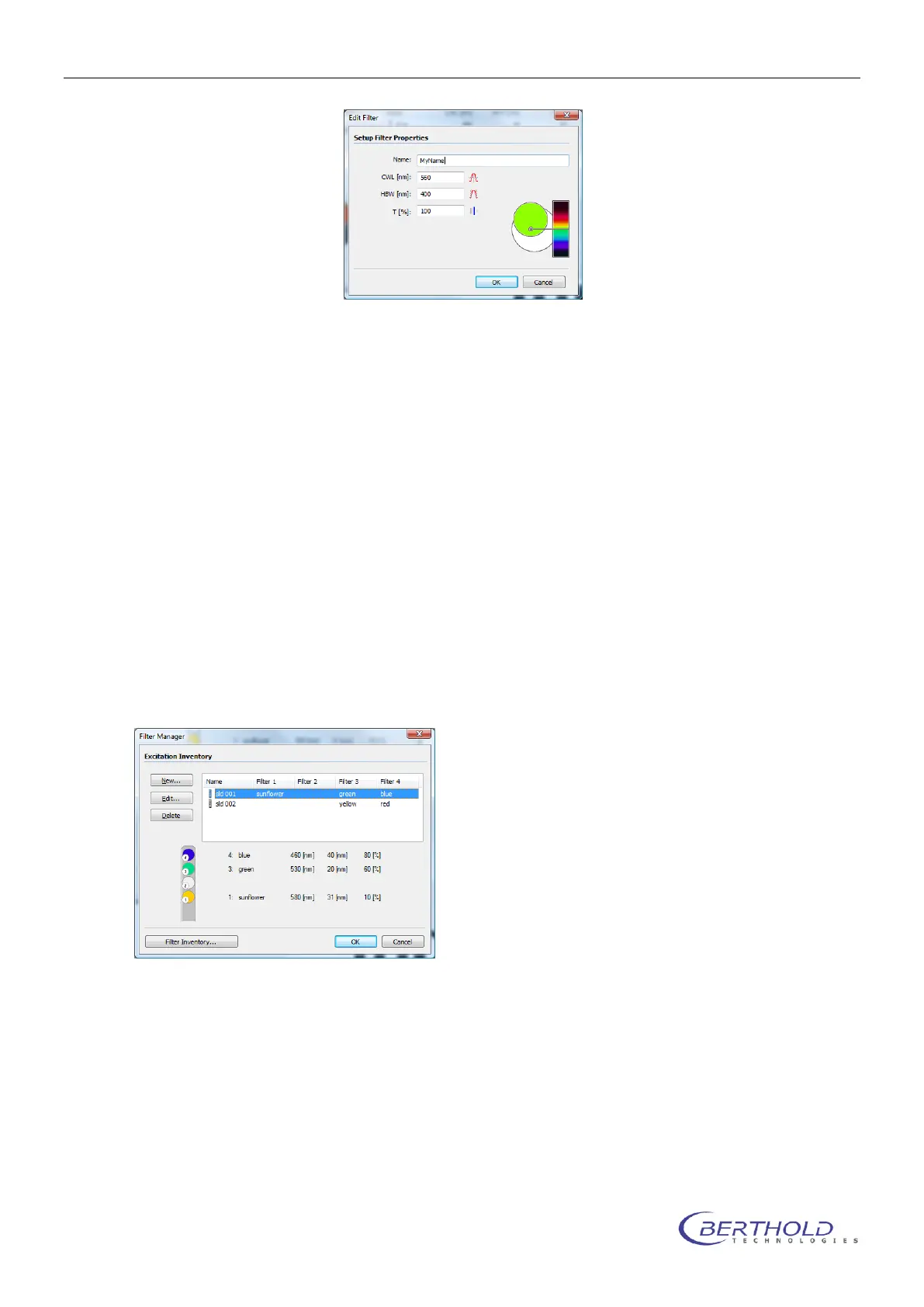
Each filter is described using the following properties:
A name for the filter
The center wave length of the filter
The half band width of the filter
The transmission
4.1.15 Filter Manager
Once a filter was added to the filter inventory list the filter can be placed on an excitation filter
slider or an emission filter wheel.
The filter manager can be reached via <Excitation Inventory> <Filter Manager> for the excita-
tions filters or via <Emission Inventory> <Filter Manager> for the emission filter.
To add a new excitation filter slider or an emission filter wheel to the manager select <New>. To
change or edit the charging of a slider or a wheel select <Edit>.



 To Next Page