Quick Start LB 983 NightSHADE II Operating Manual
50
4.2.6 The First Acquisition
The system can carry out measurements on demand or scheduled using a time table.
In the first step it is a lot easier to create your first acquisitions on demand. Further details about
how to use the scheduler can be found at the end of the chapter.
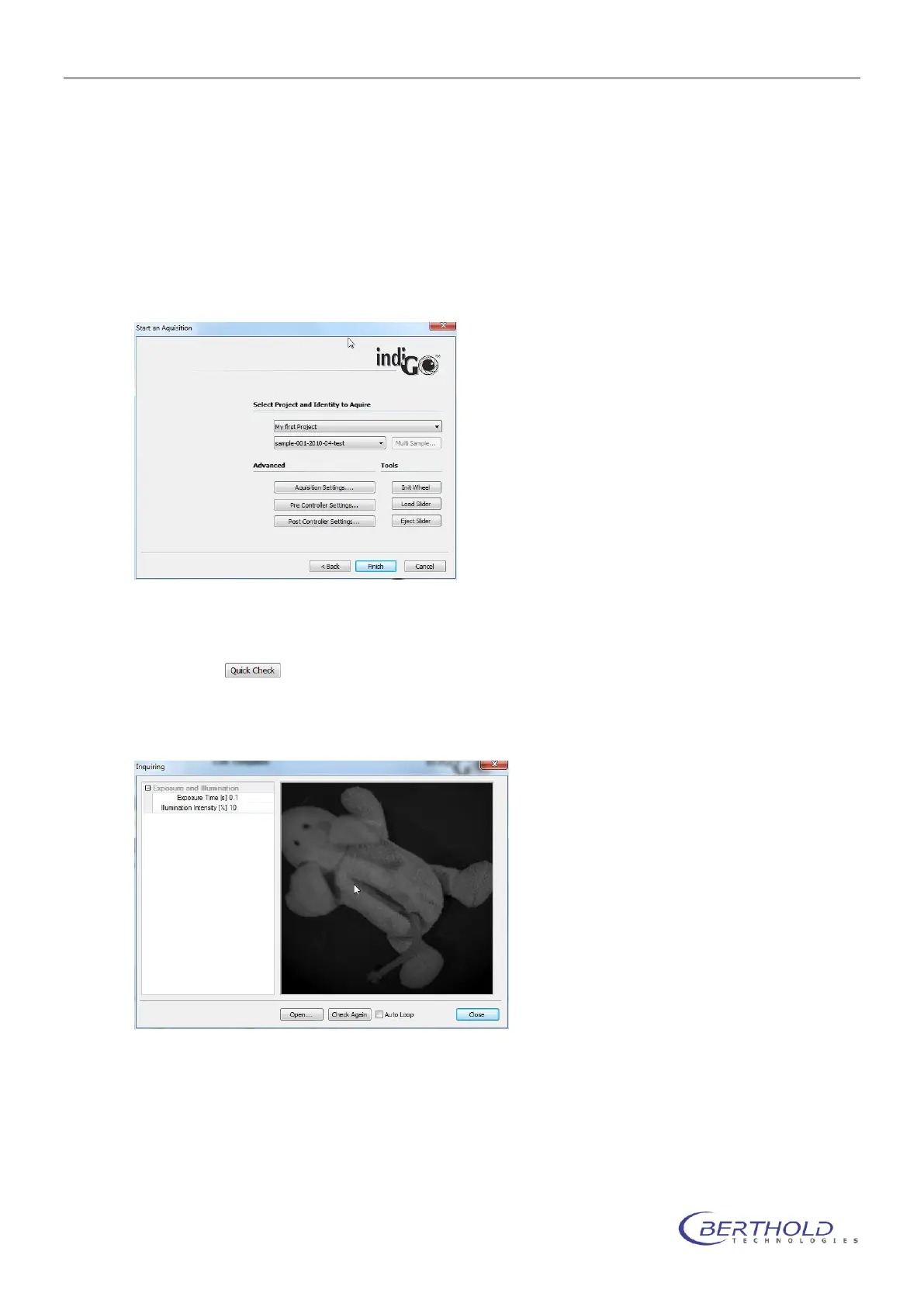
To start an acquisition refer to <Acquisition & Scheduling> <Start an Acquisition>.
The acquisition wizard will be shown:
The project and identity might be pre-selected. Otherwise select the project and the identity
from the provided drop down lists.
By selecting a photographic preview of the sample using the project’s settings can be
created.
The preview might look as follows.



 To Next Page