Quick Start LB 983 NightSHADE II Operating Manual
26
Select to continue.
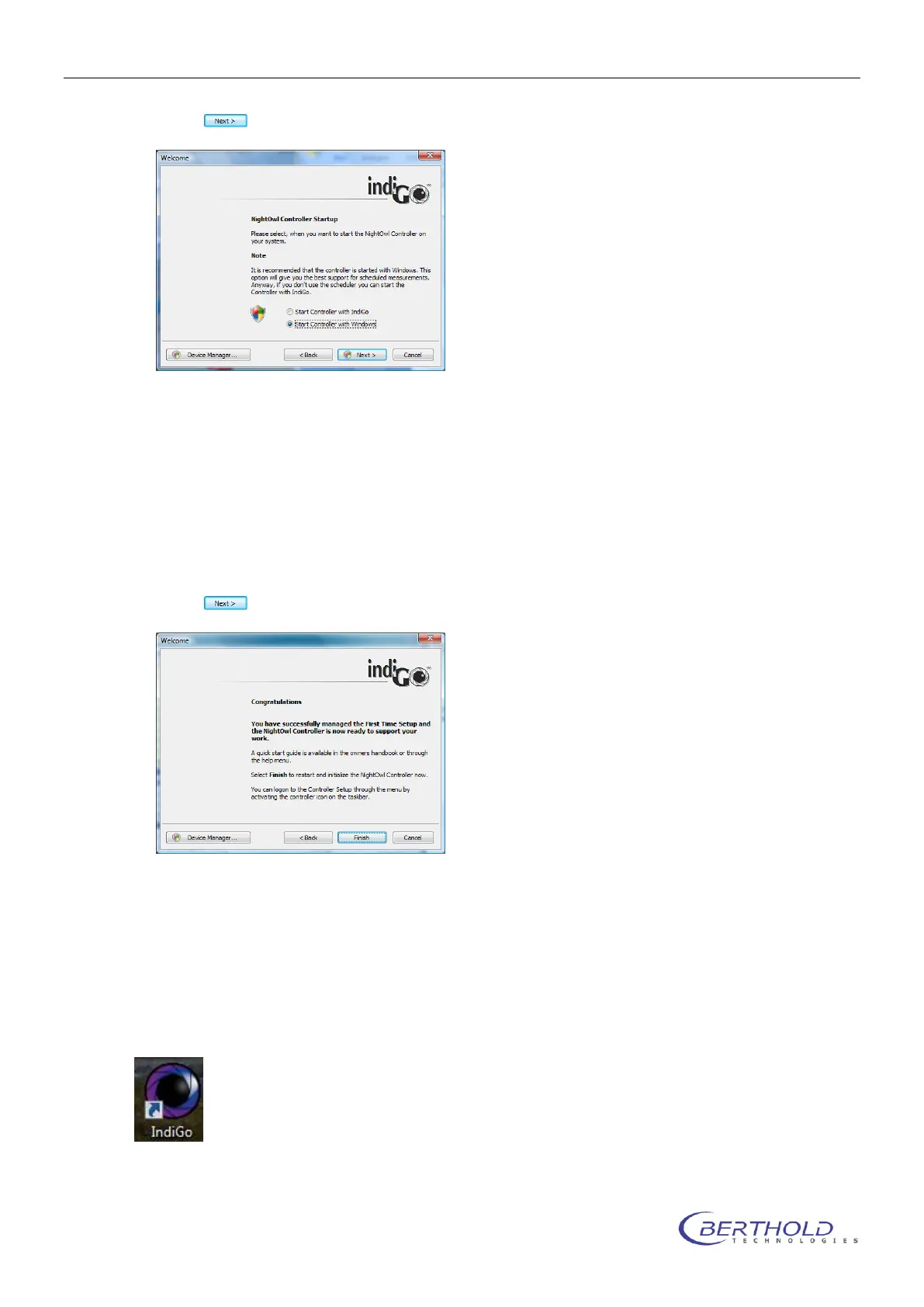
On this screen you can chose when you want to start the controller. With regular installations
it is recommended to select the first option (Start controller with indiGO). The indiGO control-
ler takes care of the hardware control and performs the measurements even when indiGO it-
self is not running. Choosing this option the controller will be started when indiGO is
launched the first time. After a reboot it will not start automatically.
With instruments running unattended for a longer period it is recommended to choose the
second option (Start controller with Windows) to have a working system even after a power
failure when the PC is rebooting.
Select to continue.
With this screen the NightShade Controller First Time Initialization Setup is completed. Se-
lect
„Finish“, to restart and initialize the instrument controller now.
4.1.10 First Time Initialization Setup
To configurate indiGO launch the software by double-clicking on the indiGO icon.



 To Next Page