LB 983 NightSHADE Operating Manual Quick Start
55
4.3.2 The Graphical User Interface
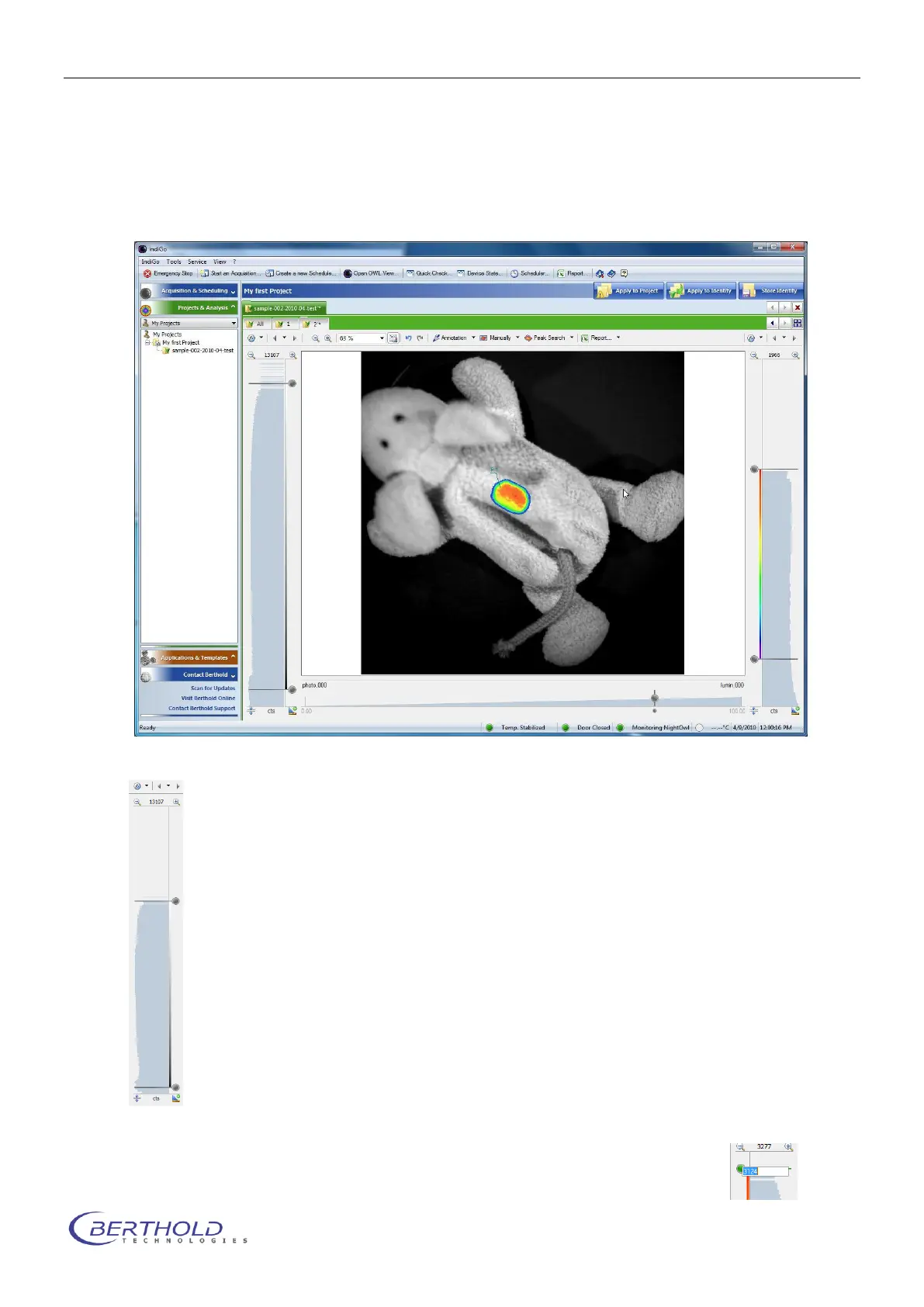
After an acquisition or the opening of an identity the measurement and the photographic image
are displayed. By default the photographic image is overlaid by the measurement or signal im-
age using pseudocolors.
At the left margin of the screen you see the intensity scale and histogram of the photo-
graphic image, together with the associated sliders. These sliders can be used to
change the brightness intensity of the photographic image. The top slider defines the
upper brightness value, whereas the bottom slider defines the lower brightness limit.
At the right margin of the screen you see the intensity scale and histogram of the
measurement, together with the associated sliders. With these sliders the scaling of
the pseudocolor signal image can be set. The top slider defines which intensity value
has been assigned to the highest color value. Values above this threshold are not dis-
played (transparent area). The bottom slider defines which intensity in the signal im-
age is displayed using the lowest color value. All values below this threshold are not
displayed.
To modify the scale move the slider to the position required. Moving the mouse to the
center of both sliders a center mark is displayed which enables you to move both slid-
ers at once.
To enter a certain value rightclick on the slider and enter the new value in the input
field.



 To Next Page