Quick Start LB 983 NightSHADE II Operating Manual
56
The system offers the possibility to zoom the histogram by using . The maximum
range of the histogram is displayed on the zoom toolbar. By selecting <xxx> the histogram can
be set to fullscale. With <xxx> the displayed unit can be changed from cts to %, nW or ph/s.
The scaling method can be changed via the context menu which can be in-
voked by clicking on the arrow next to the icon.
The following options for the scaling are available:
Linear scaling
Logaritmic scaling (base 10)
Square root scaling
Logaritmic scaling (base e)
In addition different autoalignment preset features (Best fit 1 to Best fit 3)
are listed to adjust the min / max value based on the histogram.
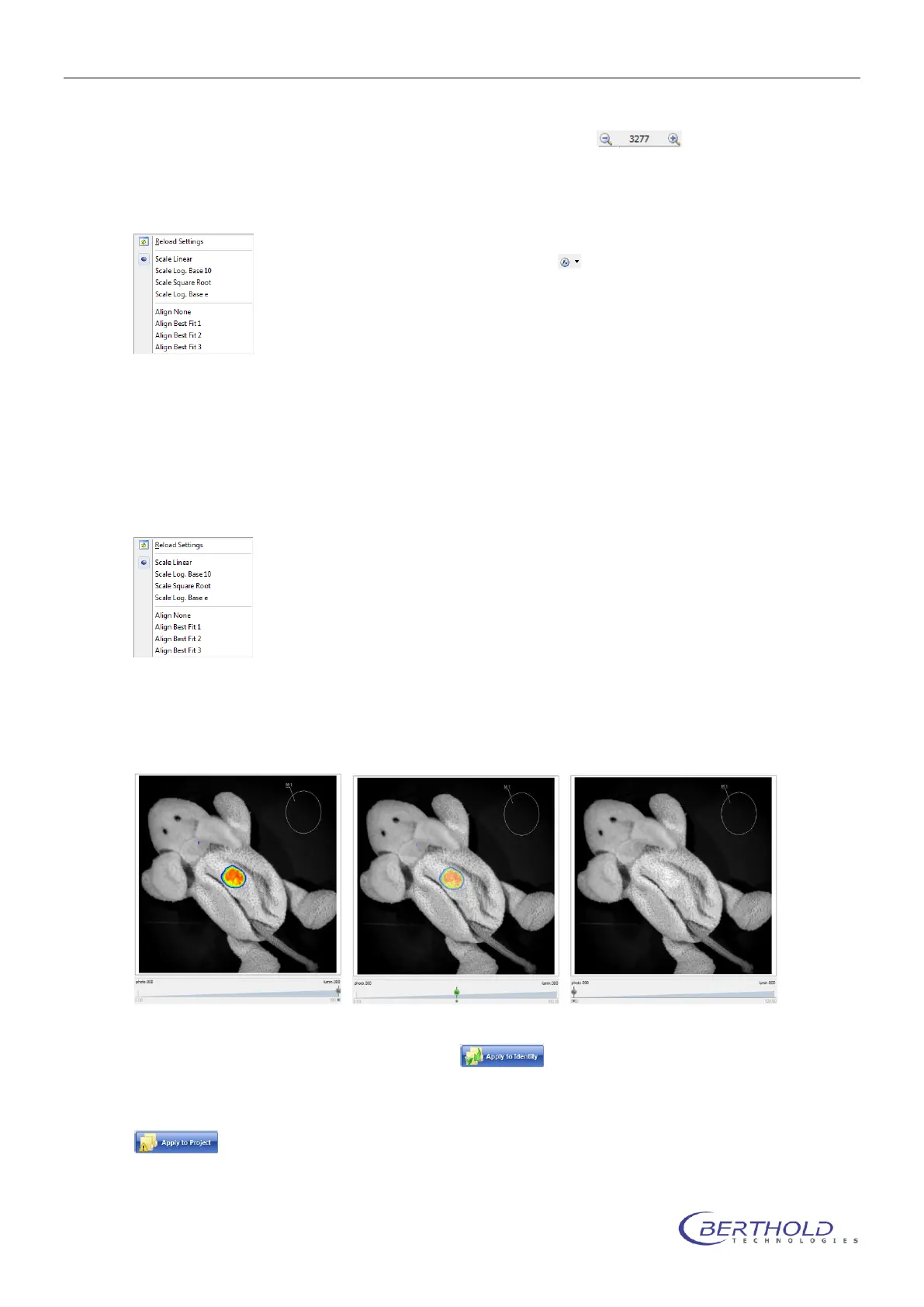
At the bottom margin of the screen a transparency slider is available. This slider can be used to
define the transparency of the overlay. If the slider is in the 100% position, the overlay is com-
pletely opaque, whereas the overlay is fully invisible if the slider is set to the 0%.
Changes of the intensity scaling or the color threshold can be applied easily to all other meas-
urements within the current identity using the command. This simplifies the post
run changes on measurements, as it is not necessary to modify every single image.
If the current changes should be applied to all identities measured within the same project, the
command can be used.



 To Next Page