indiGO Software Documentation LB 983 NightSHADE II Operating Manual
82
6.1 Graphical User Interface
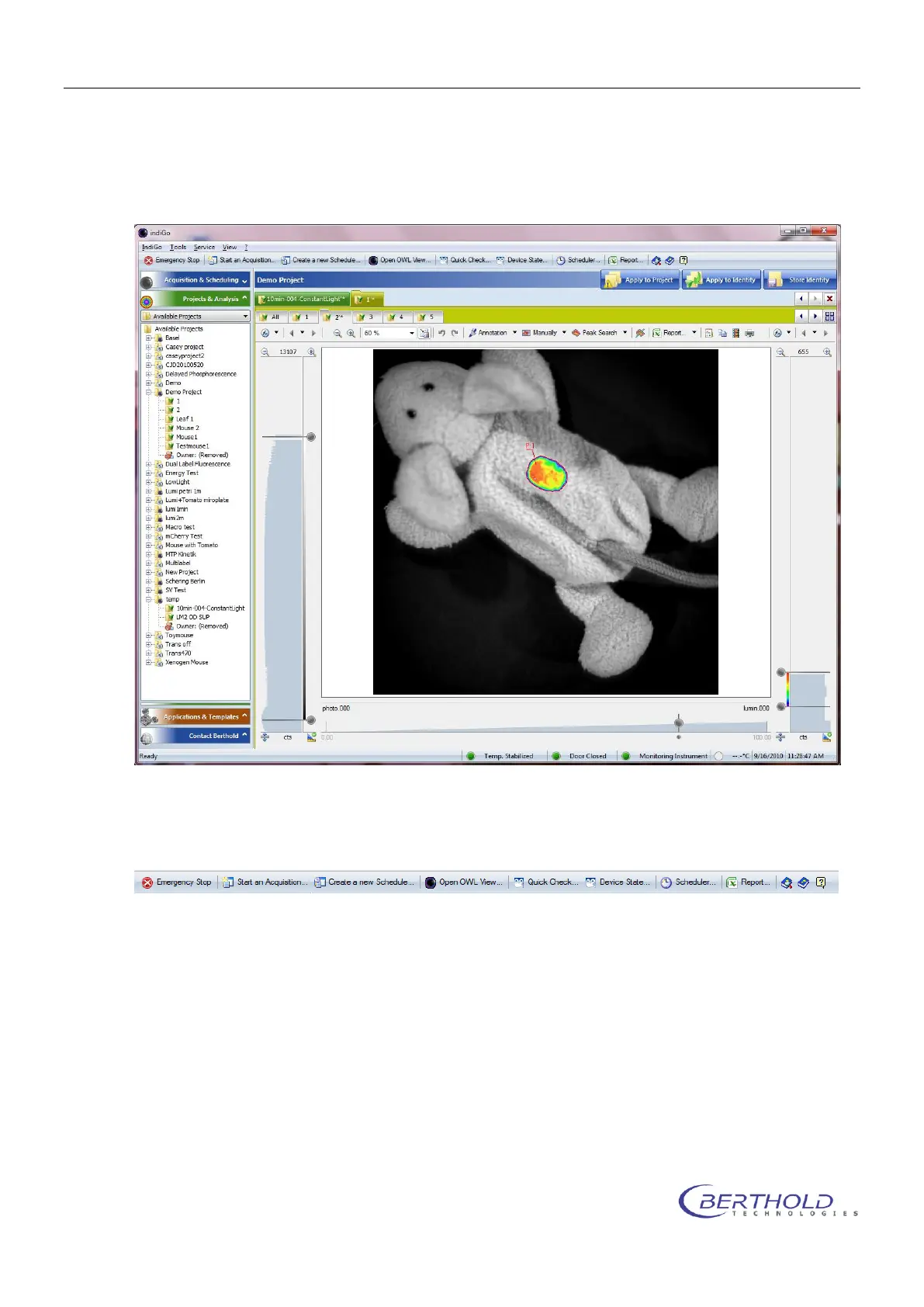
The indiGO graphical user interface is clearly structured and offers a variety of setup
options.
Measurements are automatically displayed as overlay.
6.2 Application Toolbar
On the toolbar you find the following commands:
Emergency Stop
Stops all axis of the connected NightShade. The operation will cancel the currently running
measurement. Might force a reset to the NightShade.
Start an Acquisition
Start a new measurement for the current selected or any other project.
Create a new Schedule
Create a new schedule for the current selected or any other project.
Open OWL View
Start the indiGO image viewer



 To Next Page