indiGO Software Documentation LB 983 NightSHADE II Operating Manual
94
6.8 IndiGO Menu
6.8.1 New
Project
To create a new project, start the wizard. For further details please refer to section 4.2.4.
Controller Template
To create a new controller template, start the wizard. For further details please refer to section
4.2.4.
Measuring Template
To create a new measuring template, start the wizard. For further details please refer to section
4.2.3.
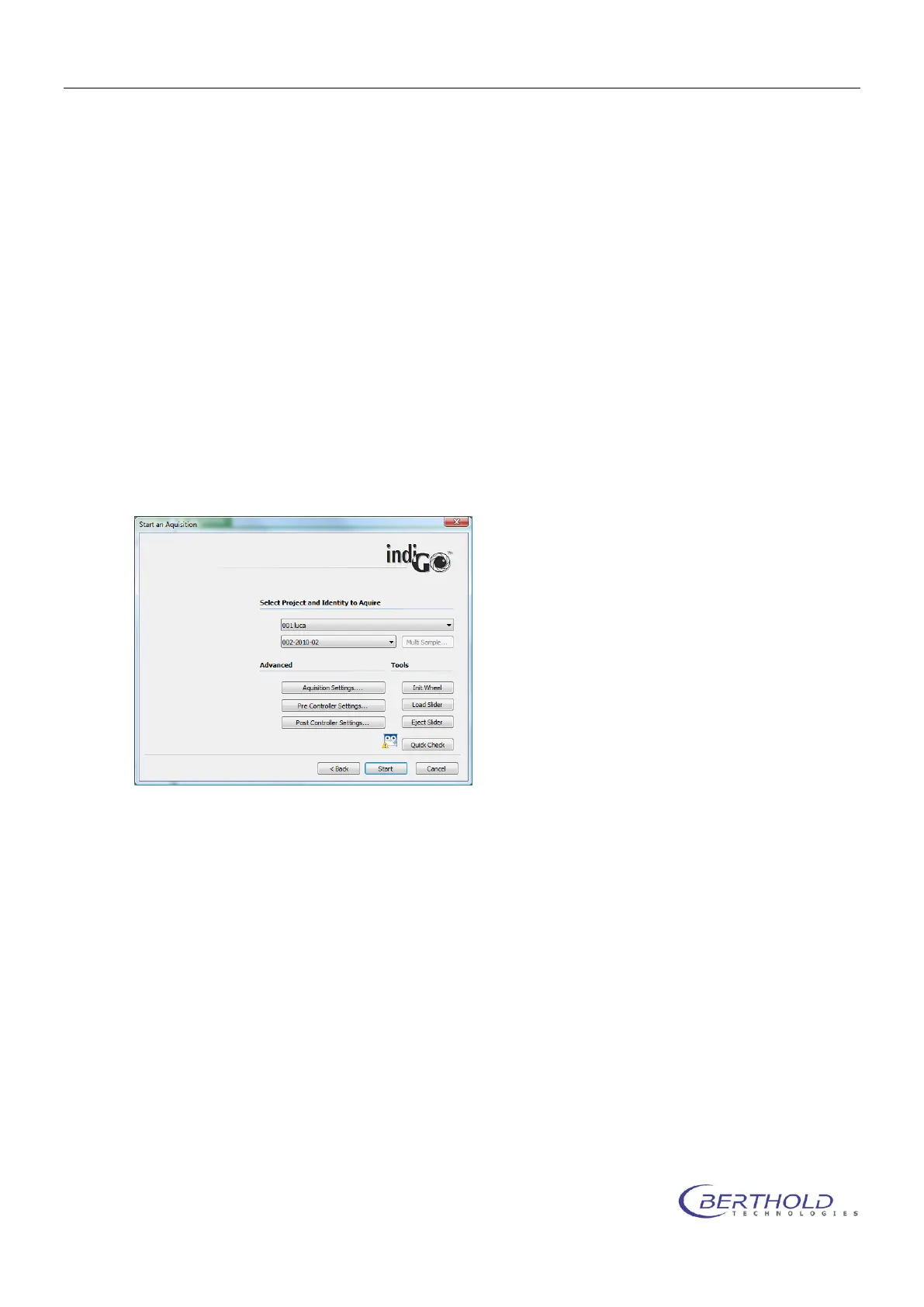
6.8.2 Start a new Acquisition
This command will start the acquisition wizard for on demand measurements.
Several quick check commands are available to verify the settings made to the application.
For further details please refer to chapter 4.2.5.
6.8.3 Create a new Schedule
The system will start the <Create a new Schedule> wizard, which allows you to select the con-
tents you want to schedule first.
For further details please refer to chapter 4.4.3.
6.8.4 Report
indiGO offers the possibility to create and display measurement reports. The output can be
adapted to the user's requirements. For further details please refer to chapter 4.4.
6.8.5 Print Image
indiGO offers the possibility to create and display measurement reports. The output can be
adapted to the user's requirements. For further details please refer to chapter 4.4.



 To Next Page