LB 983 NightSHADE Operating Manual indiGO Software Documentation
93
Overlay Properties (Dialog)
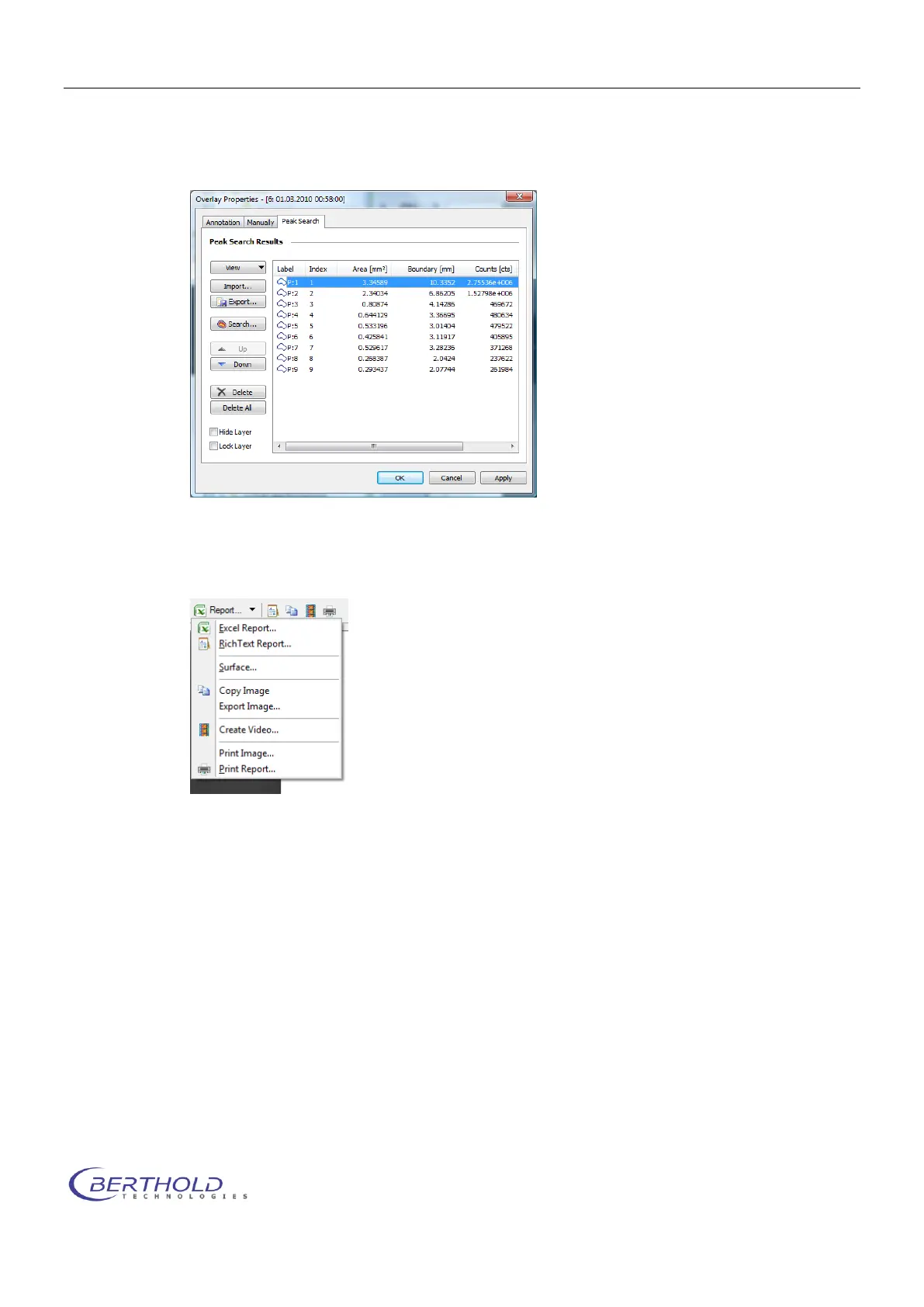
The <Overlay Properties> dialog can be opened via the <Annotaion>, <Manually> or
<Peak Search> commands
Line Plot
Starts the Line Plot Tool
Report (Menu)
Report (Command)
Starts the wizard to create an Excel report. Same function as <Excel Report>.
Export Rich Text Report
Starts the wizard to export a Rich Text report. Same function as <Rich Text Report>.
Copy current view to clipboard
The current presentation of the measurement will be copied to the clipboard. Same func-
tion as <Copy Image>.
Render Video
Starts the wizard to create a video of the measurements. Same function as
<Create Video>.
Print Report
Starts the wizard to print a report. Same function as <Print Report >.
In the area below the image is a separate slider, which can be used to define the transparency
of the data images.



 To Next Page