Quick Start LB 983 NightSHADE II Operating Manual
54
4.3 Image Processing and Evaluation Functions
4.3.1 Load Images
During the first acquisition images have been created and stored in the project folder.
To re-open the previously taken images refer to the project folder first and select the appropriate
identity. All identities associated to the project are located in the project folder. The measure-
ments including the images are stored under the context of the identity and can be opened by
either double-clicking on the identity or using the identity context menu.
Please note:
The contents of the project folder shown depend on the user account, based on the indiGO user
access management.
The identity number is displayed on top of the data view. If several sample IDs are open, a
cardfile tab for each identity is displayed, each cardfile tab has its own color.
Below the identity number a row of index cards is shown containing the measurements ac-
quired.The last acquired measurement is shown on the very right.
Using the arrows you can scroll back and forth within the measurements or the identities.
To display a complete overview of the images, the so-called “thumbnail view” select .
To close the identity select .
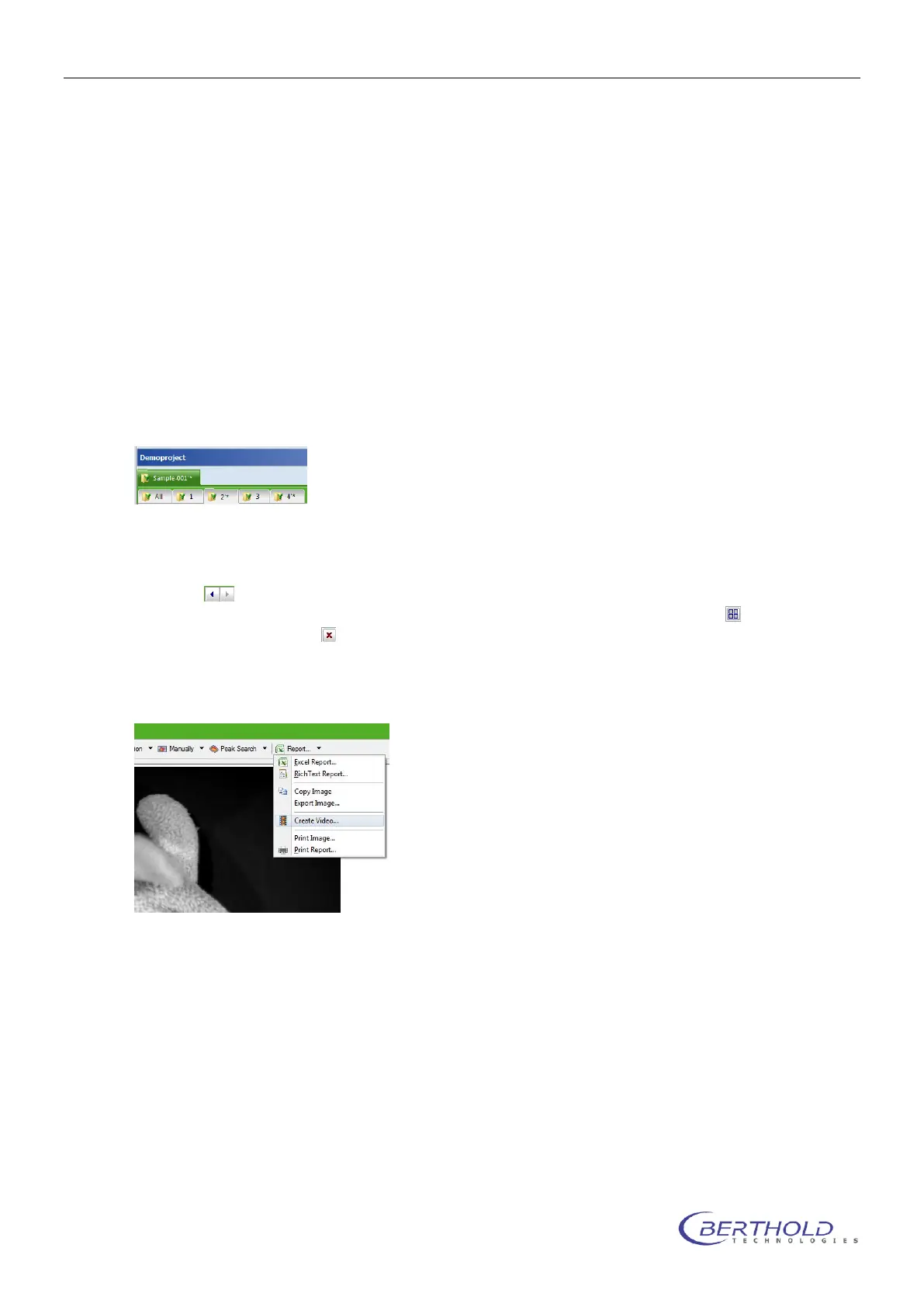
Using the <create movie> command in the <Report> menu a movie of all images in the current
identity can be created.



 To Next Page