LB 983 NightSHADE Operating Manual Quick Start
61
None
No discrimination method is being used. Every spot which is above the
given lower threshold will be treated as peak.
o Advanced - Remove Areas inside Areas
If this option is set areas which are located inside other areas will be declined.
o Maximum Areas
This parameter defines the maximum amount of peaks. If this amount of peaks is
found the peak search stops despite of being completed. This will protect from long
waiting times in case a very noisy image is used with hundreds of possible peaks.
To start the peaksearch select .
4.3.6 Define Areas Manually
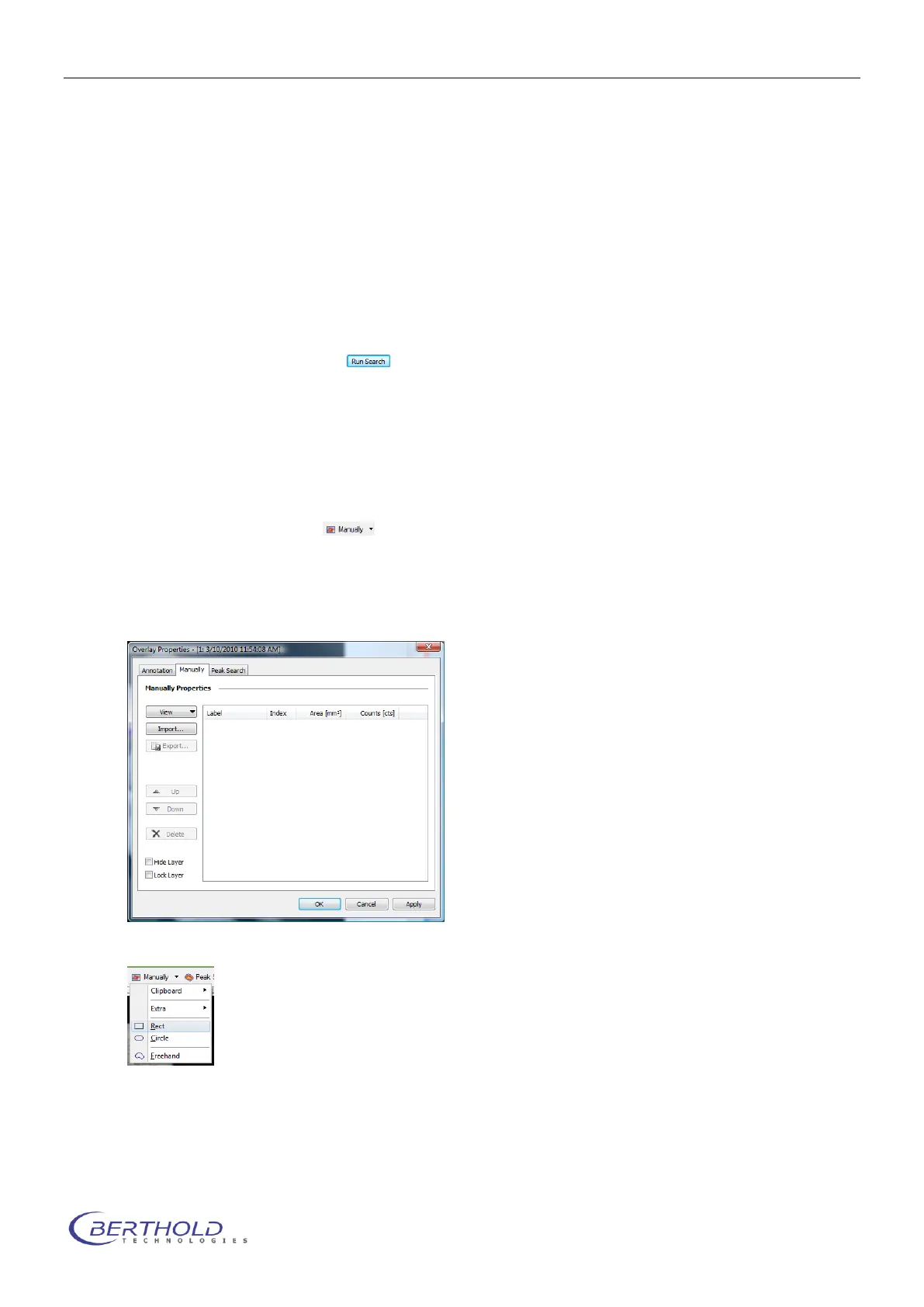
The “Manual Areas” are available via the command <Manually>.
They are used for the manual definition of integration areas. Here you have the possibility to de-
fine free forms, such as circles, rectangles or polygons.
To start this function select .
A window is opened where an overview of all currently defined areas is displayed. If you have
not defined any areas the list will be empty.
If you want to create new areas open the context menu by using the arrow on the
button <Manually> and select the required shape (rectangle, circle or freehand
shape) from the context menu.
With the mouse curser shown on the image the selected shape can be drawn by dragging into
the required area of the image.



 To Next Page