Quick Start LB 983 NightSHADE II Operating Manual
48
A prefix, the current year and month, the 3 digit sample ID counter as well as a suffix can be
specified if required. The resulting sample ID name can be seen under “Result”. The box
“Number of Identities to Create” defines the amount of sample identities which will be creat-
ed. More ID´s can be added to the project later, if necessary.
To go to the next page select .
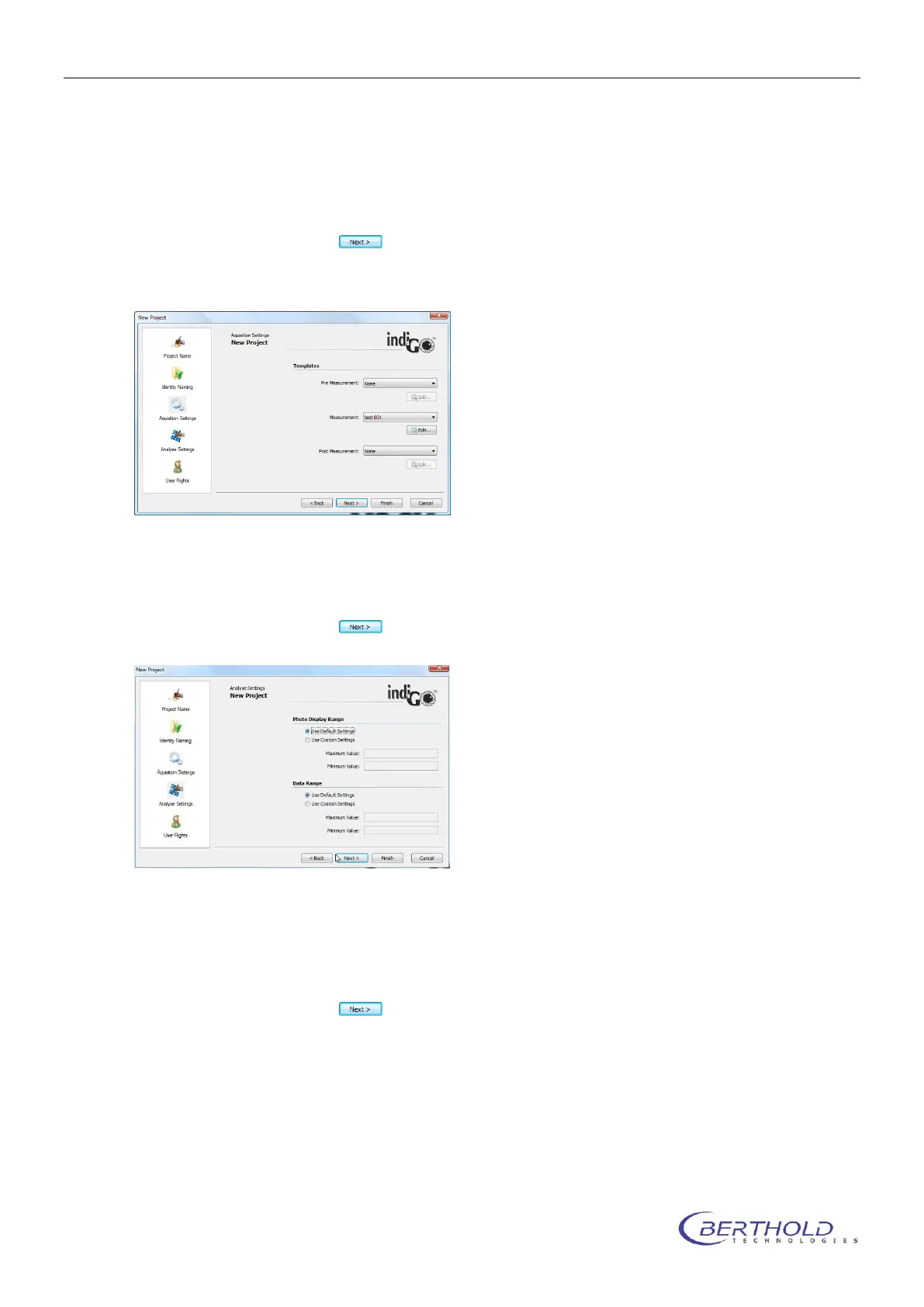
On this page you can select the “Acquisition Settings” used for the project.
You can define a “Pre Measurement” and a “Post Measurement” template to be executed
before and after the measurement. Under “Measurement” select the application template used
to run the measurement.
To go to the next page select .
The display ranges for the b/w photographic and colored signal (data) image can be defined on
this page. If “Use Default Setting” is selected the system will calculate default values based on
the photograph and the measured data. Individual settings for the minimum and maximum val-
ues can be selected in the “Use Custom Settings” mode.
To go to the next page select .



 To Next Page