Apply Security Updates
BeyondTrust provides a bundle of Microsoft patches in a security update package. All updates are tested and
approved by BeyondTrust to ensure that updates do not interfere with the proper operation of your UVM.
The packages are updated when new patches are available from Microsoft. For more information about the
updates included in the package, contact BeyondTrust Technical Support.
In UVM versions 1.3 or later, there is a security update package installer that ships with your appliance. When a
new package is copied to the update server, then those updates can be received by your appliance.
Note: If you are working in an air-gap environment, you can manually download the update packages. You must
work with the BeyondTrust Technical Support team to download packages manually.
To apply the updates:
1. Log on to the appliance web site.
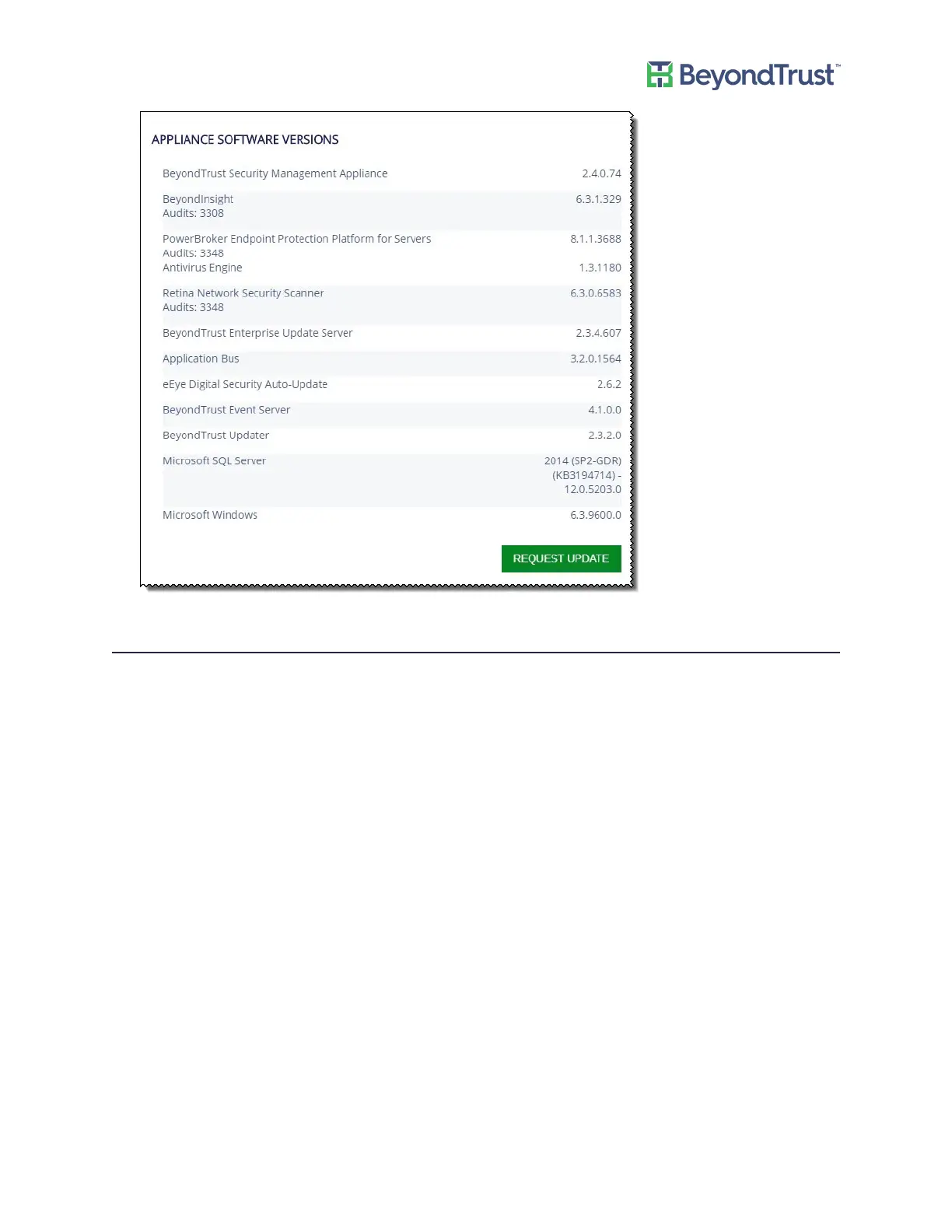
The default page displayed is the BeyondTrust Updates page.
2. If it is not displayed, select Maintenance from the menu, then select BeyondTrust Updates.
Details about any updates currently available are provided.
Managing Your UVM
UVM Appliance User Guide 10 © 2018. BeyondTrust Software, Inc.



 To Next Page