Monitoring Services and Hardware
Appliance services and hardware are monitored:
• Services – Periodically checks the running state of the services to make sure that they are in the expected
state, considering the current roles that are set. Additionally, alerts are indicated when the service control
manager raises errors. Errors reported are typical error messages on services such as, services failing to start
or services terminating unexpectedly.
• Hardware events – Any of the alerts that are raised by Dell OpenManage monitoring software.
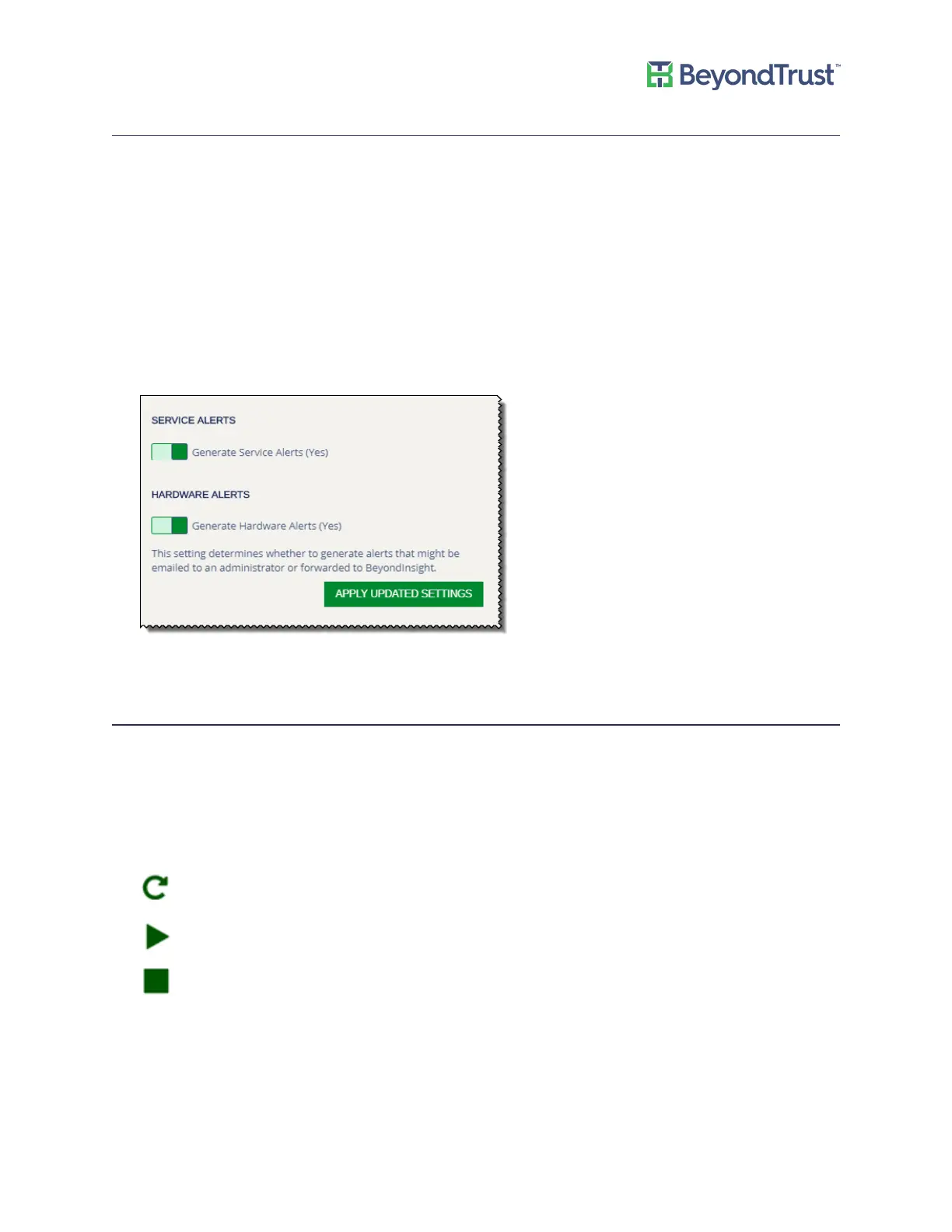
To turn on alerts for services or hardware:
1. Select Diagnostics from the menu.
2. Select Appliance Health from the menu.
3. Click the box to turn on the setting.
4. Click Apply Updated Settings.
Checking Services
You can view, start, and stop appliance services.
To view appliance services:
1. Select Diagnostics from the menu.
2. Select Appliance Health from the menu.
The icons indicate the following:
Click to refresh the service.
Click to start the service.
Click to stop the service.
Appliance Health
UVM Appliance User Guide 26 © 2018. BeyondTrust Software, Inc.



 To Next Page