1. Select Network and RDP Settings from the Maintenance menu.
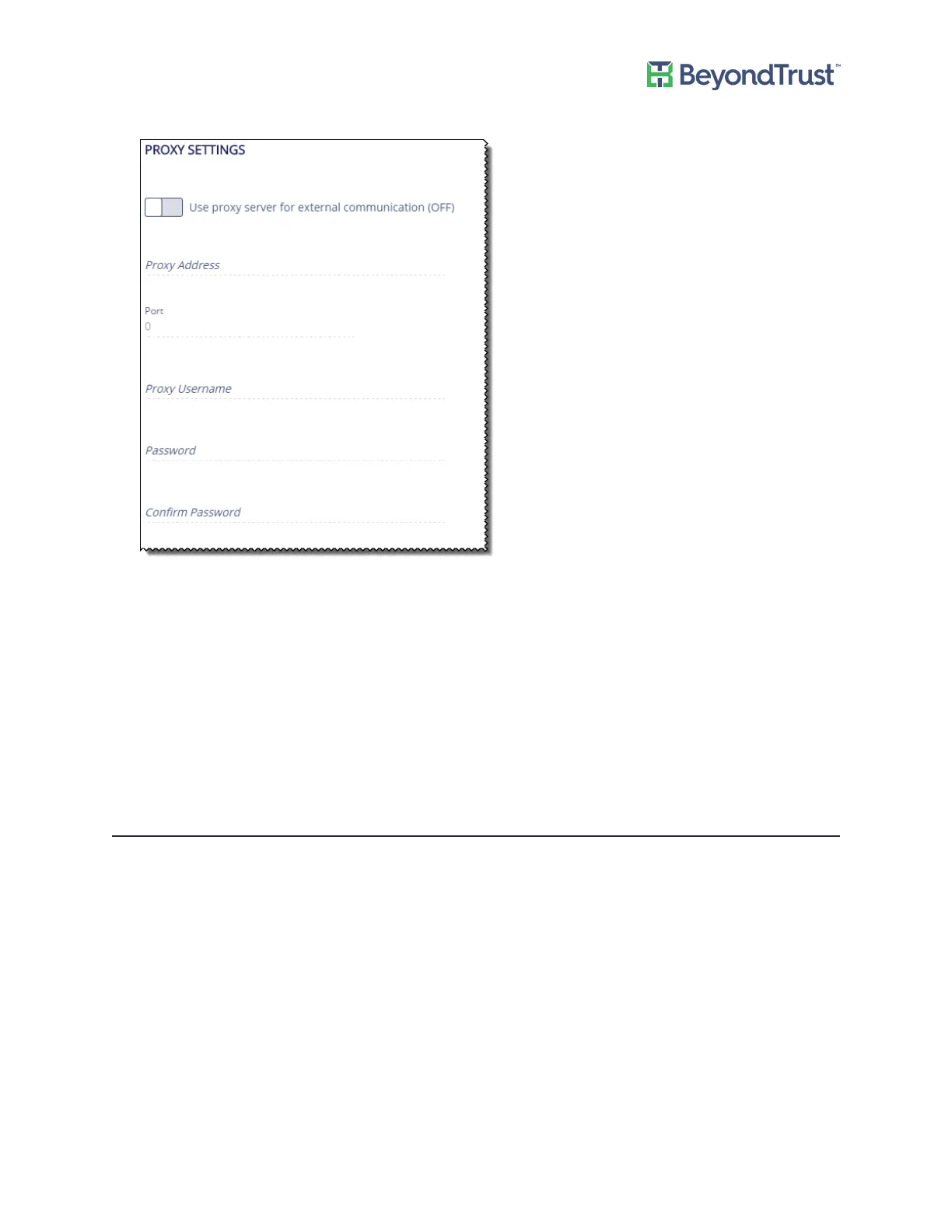
2. Select the Use proxy server for external communication box.
3. Enter the address and port for the server.
– Address - The IP address of the server.
– Port - The port number of the server.
4. If the proxy server requires authentication, enter the credentials:
– User - The user name used to access the server.
– Password/Confirm Password - The server password.
5. Click Update Proxy Settings.
BITS Throttle
1. Select Network & RDP Settings from the Maintenance menu.
2. Drag the slider to the level of throttling.
3. Click Update BITS Throttling Setting.
Network and RDP Settings
UVM Appliance User Guide 23 © 2018. BeyondTrust Software, Inc.



 To Next Page