Configuring Notifications
Notifications can be set for the following types of events:
• Health monitoring – Includes performance thresholds, service alerts, hardware alerts, and daily performance
summaries.
• High availability monitoring – Includes failover, connections, no partner alerts, and off state.
• High availability mirror change – Includes suspend and resume activities on SQL mirroring.
• Backup monitoring – Includes back up success and failure alerts, and restore success.
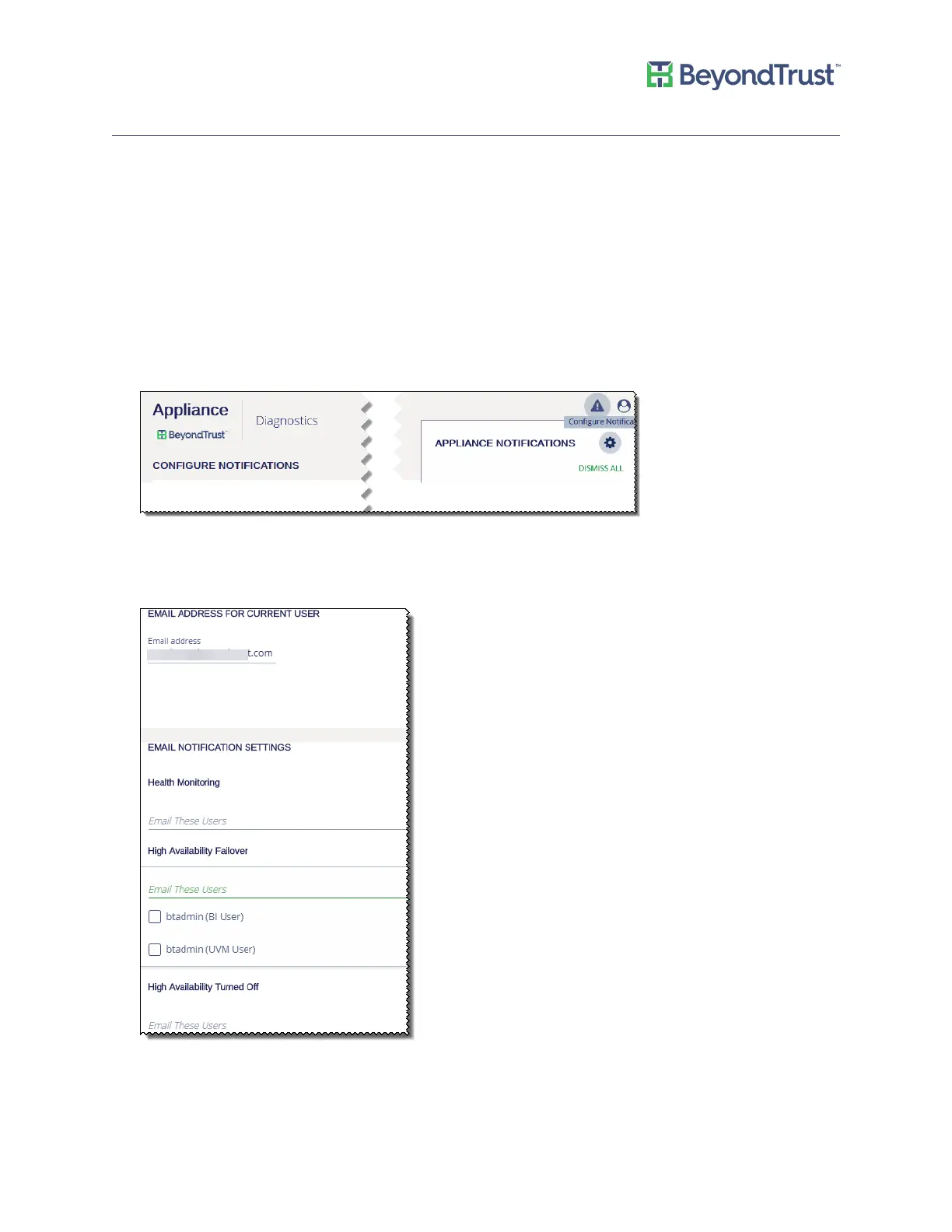
To configure email notification:
1. Select Diagnostics from the menu.
2. Select Configure Notifications from the menu.
3. Click the box to turn on email notification.
4. Click in the Email These Users box, and then select the check boxes for the email addresses that will receive
the notifications.
5. Click Apply Updated Settings.
Appliance Health
UVM Appliance User Guide 29 © 2018. BeyondTrust Software, Inc.



 To Next Page