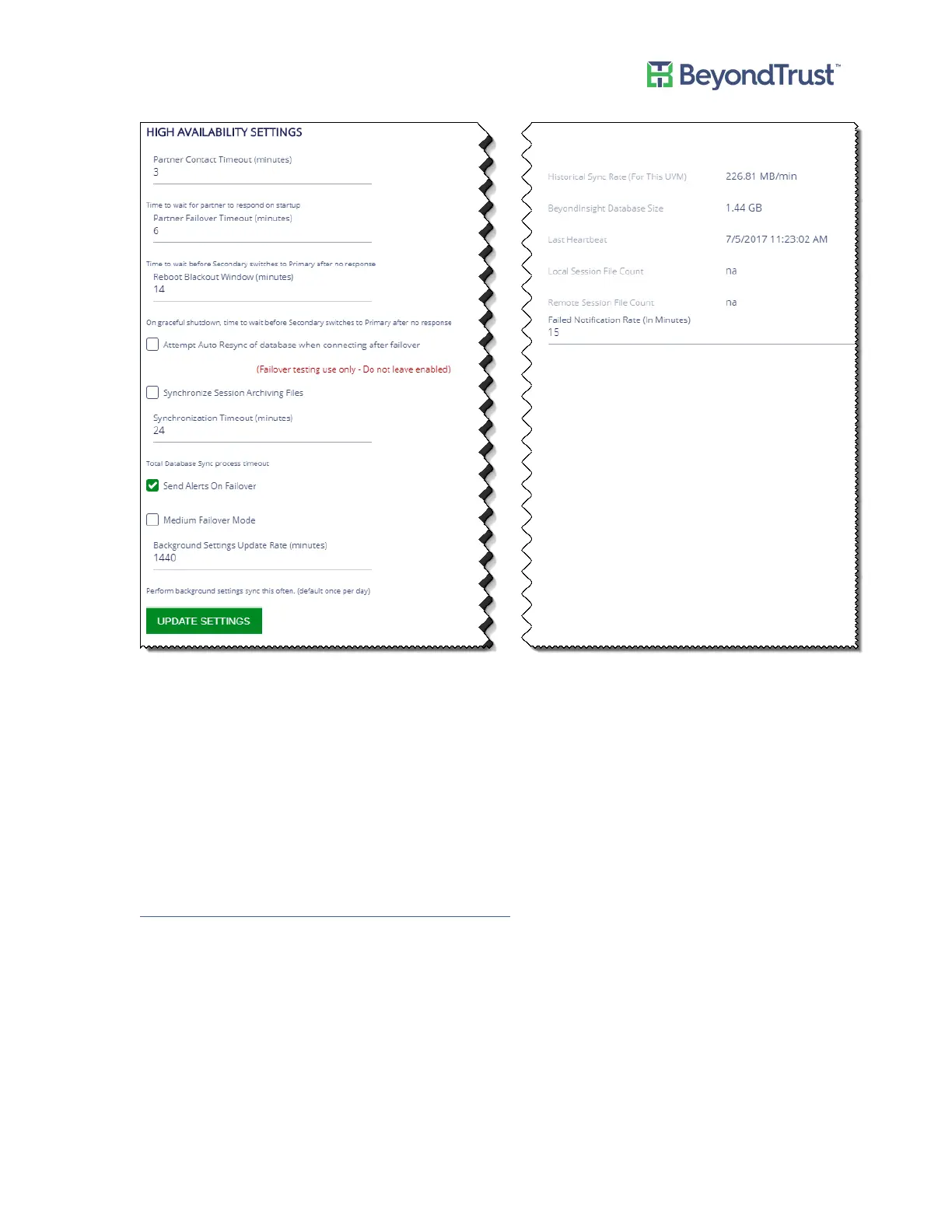
8. Click Update Settings.
Using a Load Balancer in an Active-Passive Configuration
When setting up an active-passive pair, you might want to configure a load balancer that acts as a DNS-redirector.
Configure the load balancer between two appliances so that it can determine which appliance is active and which
is passive. The load balancer then sends the traffic to the active appliance.
You can use the following endpoint API to configure the load balancer. Refer to your load balancer documentation
to ensure that it is configured to use the endpoints.
Endpoint:
GET https://<UVMAddress>/UVMInterface/api/HighAvailability
It will return an object with one member.
{
string Role;
}
You can set the formatting of the requested return value in the Content-Type request header.
For example, to get JSON, you can specify:
Content-Type: application/json;charset=UTF-8
The available values for Role are:
Using High Availability
UVM Appliance User Guide 45 © 2018. BeyondTrust Software, Inc.



 To Next Page