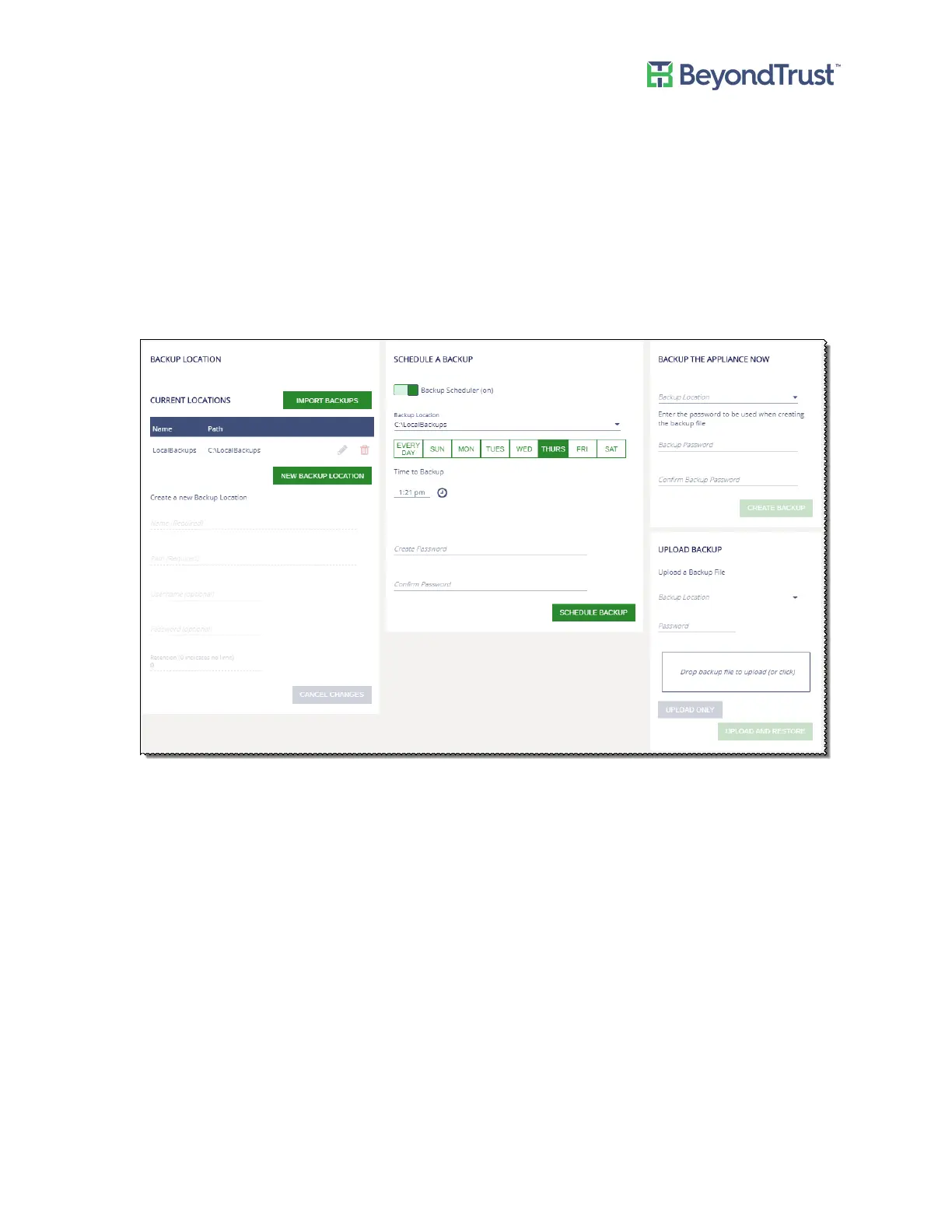
Configuring Backup and Restore
You can back up the appliance immediately or schedule a back up to occur at regular intervals.
Scheduling a Backup
To schedule a backup:
1. Select Backup and Restore from the Maintenance menu.
2. Click Backup Scheduler to turn on scheduling.
3. Enter the information for the remote share where the .zip file will be saved.
4. Select the day of the week and time to run the backup.
5. Enter the password for the .zip file.
6. Click Schedule Backup.
Restoring the Appliance
You must restart the appliance and reset the passwords after restoring.
To restore the appliance from the last backup:
Configuring Backup and Restore
UVM Appliance User Guide 50 © 2018. BeyondTrust Software, Inc.



 To Next Page