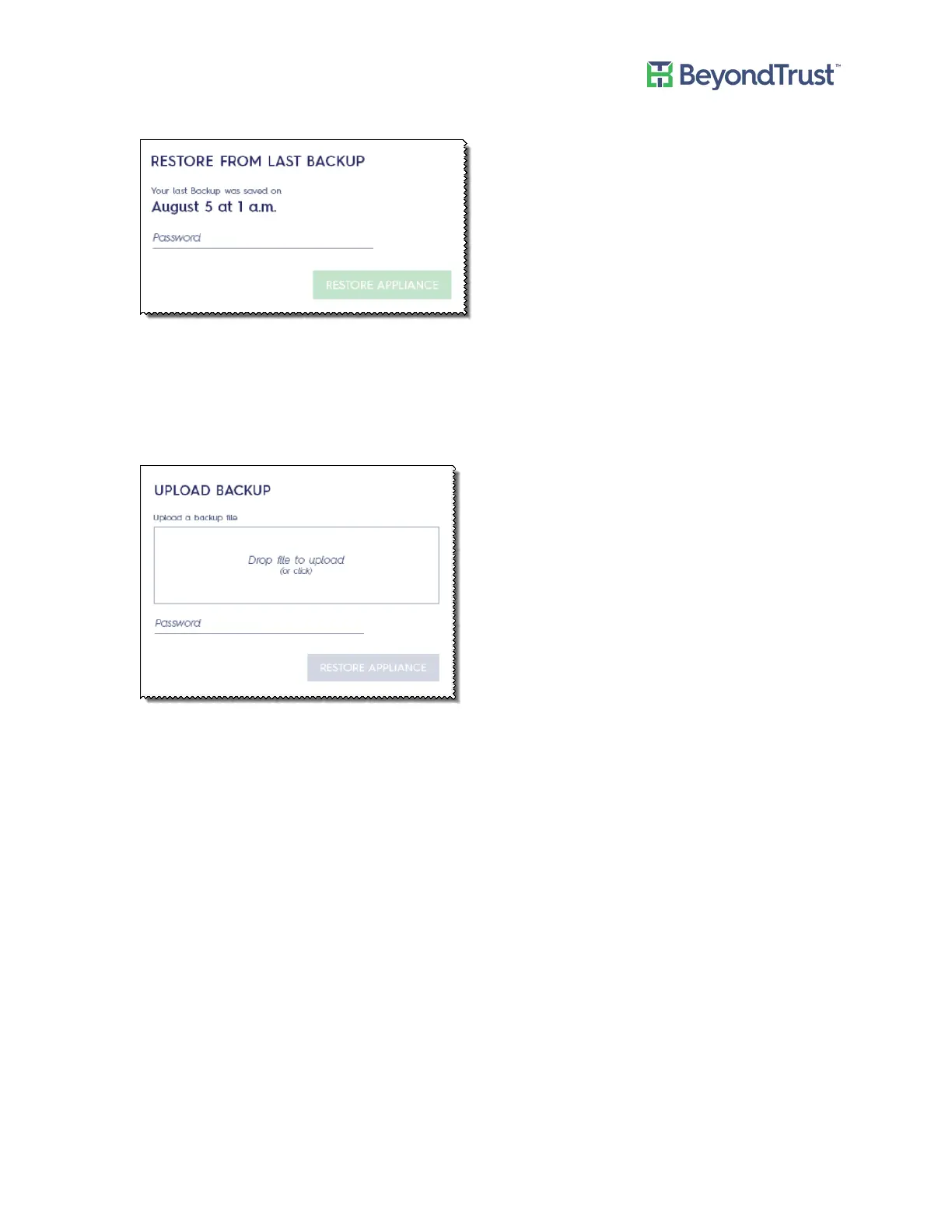
1. Select Backup and Restore from the Maintenance menu.
2. Enter the password, and then click Restore Appliance.
To restore the appliance from a backup file:
1. Select Backup and Restore from the Maintenance menu.
2. Drop the file to upload.
3. After the backup is uploaded, enter the password and click Restore Appliance.
Configuring Backup and Restore
UVM Appliance User Guide 51 © 2018. BeyondTrust Software, Inc.



 To Next Page