4. To save resources, you can turn off services that will not be required to run on any secondary appliances.
Select the Standalone Password Safe Worker Node check box. Select the corresponding check boxes to turn
off services: Disable BeyondInsight UI or Disable Password Safe UI.
5. Click Apply Changes.
6. On the main Roles Editor page, click Apply Pending Changes.
On the Secondary Server
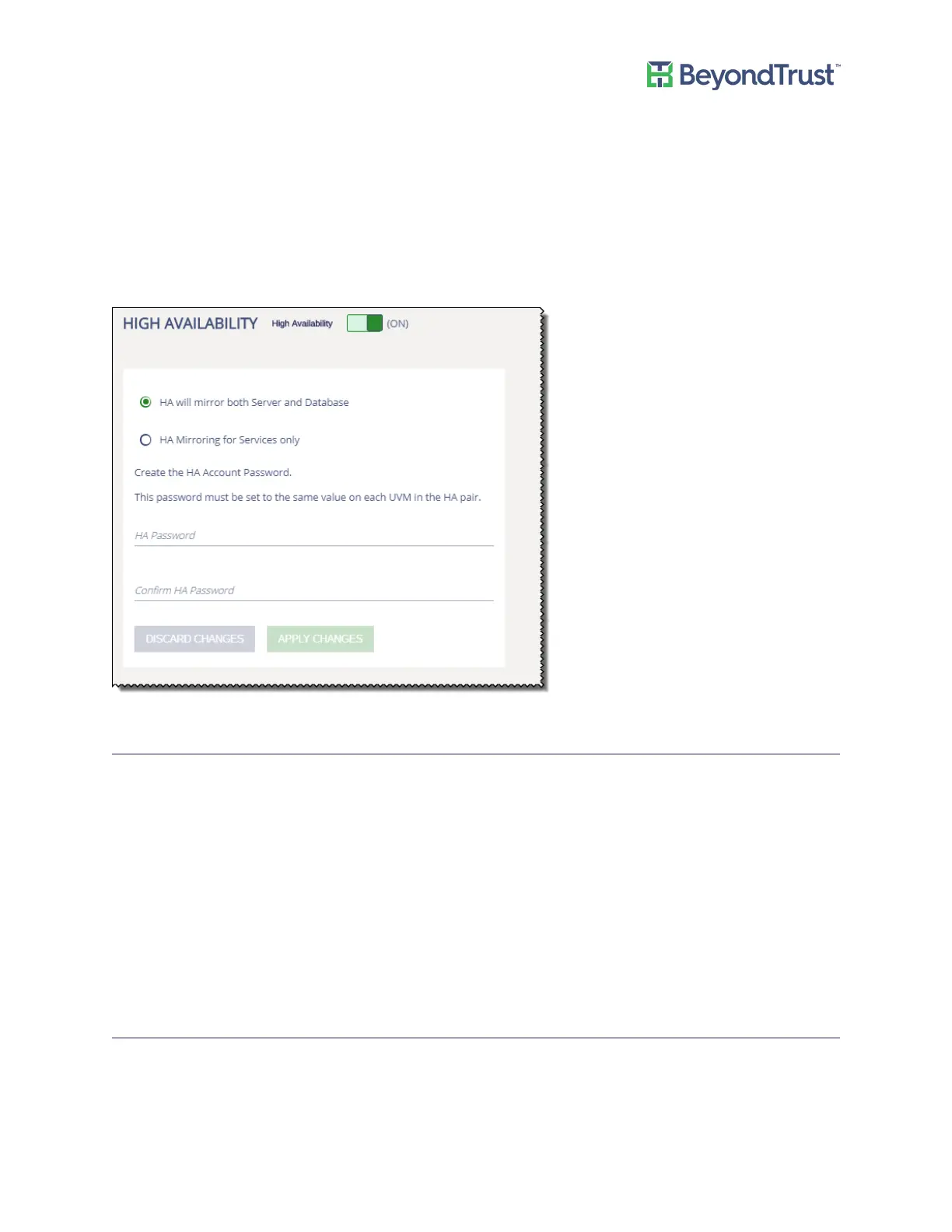
If you are using Password Safe High Availability, you must turn on the role, and then select a mirroring option.
BeyondInsight Analytics and Reporting Roles
There are two roles that you can configure if you are using BeyondInsight Analytics and Reporting.
Analysis Services Role Settings
Turn on the role to turn on the SQL Server Analysis service.
You can click the link to run BeyondInsight Analytics and Reporting.
Reporting Services Role
If you are using BeyondInsight Analytics and Reporting to render reports, the service must run locally. Turn on the
Reporting Services role to run the service locally when using a remote database.
Turning on Auto Update
To use the auto update feature, where product updates will automatically download when available, turn on the
auto update role.
To turn auto update:
Configuring Roles
UVM Appliance User Guide 35 © 2018. BeyondTrust Software, Inc.



 To Next Page