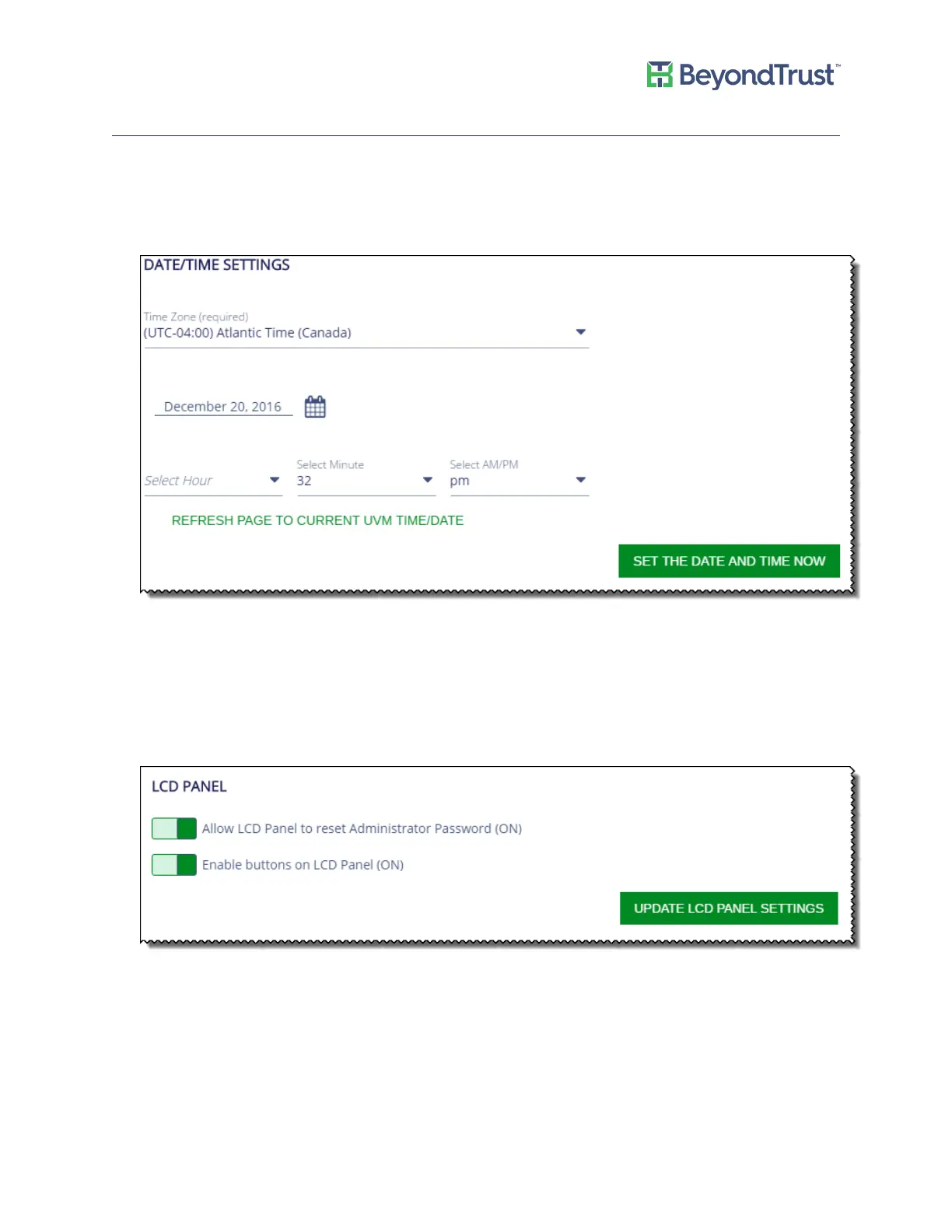
Appliance General Settings
Adjusting Date and Time Settings
1. Select General Settings from the Maintenance menu.
2. Select a time zone and adjust the time.
3. Click Set the Date and Time Now.
LCD Panel Settings
To turn on settings for the LCD panel on the appliance:
1. Select General Settings from the Maintenance menu.
2. You can turn on the following settings:
Managing Your UVM
UVM Appliance User Guide 12 © 2018. BeyondTrust Software, Inc.



 To Next Page