Using High Availability
Note: High Availability is only available with a PowerBroker Password Safe license.
Active–Passive High Availability
High availability is designed to be a highly available system in an Active-Passive configuration. At any time, one of
your two servers has the role of the Active node, while the other is the Passive node.
When the Passive server detects the Active server has failed, then the Passive is promoted to Active and the Active
is demoted.
After the Active server fails and all issues are resolved, the server takes on the Passive role.
Setting up High Availability
Setting up High Availability is optional.
Turning on High Availability (HA) Pairing
You must turn on the High Availability role in the Roles Editor before setting up high availability. The role must be
turned on for the active and passive appliance.
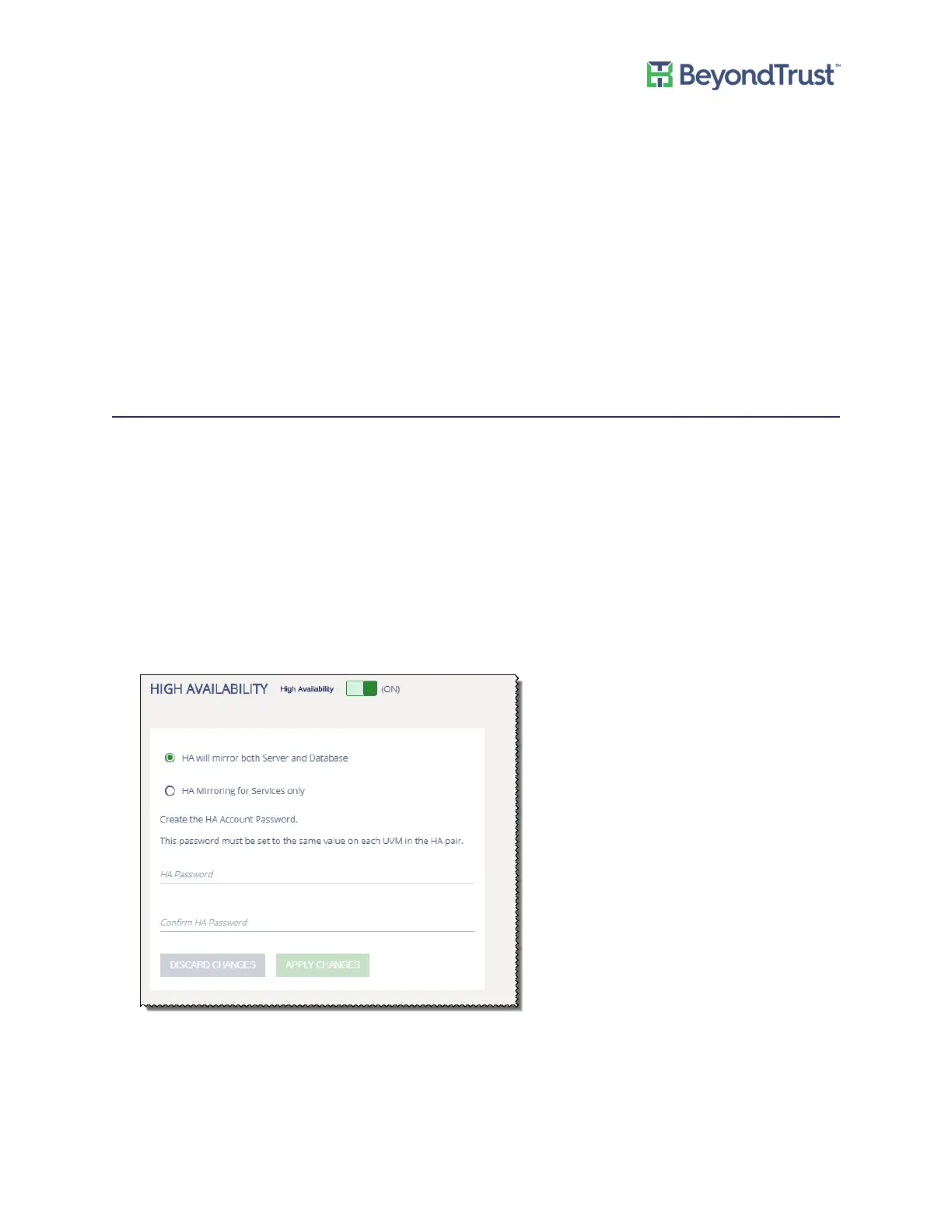
To turn on the Password Safe HA pairing:
1. Select Roles Editor from the menu.
2. Click High Availability.
3. Turn on the high availability role.
4. Select a mirroring option.
5. Enter the password that will be used on the HA pairs.
6. Click Apply Changes.
7. On the main page, click Apply Pending Changes.
Using High Availability
UVM Appliance User Guide 42 © 2018. BeyondTrust Software, Inc.



 To Next Page