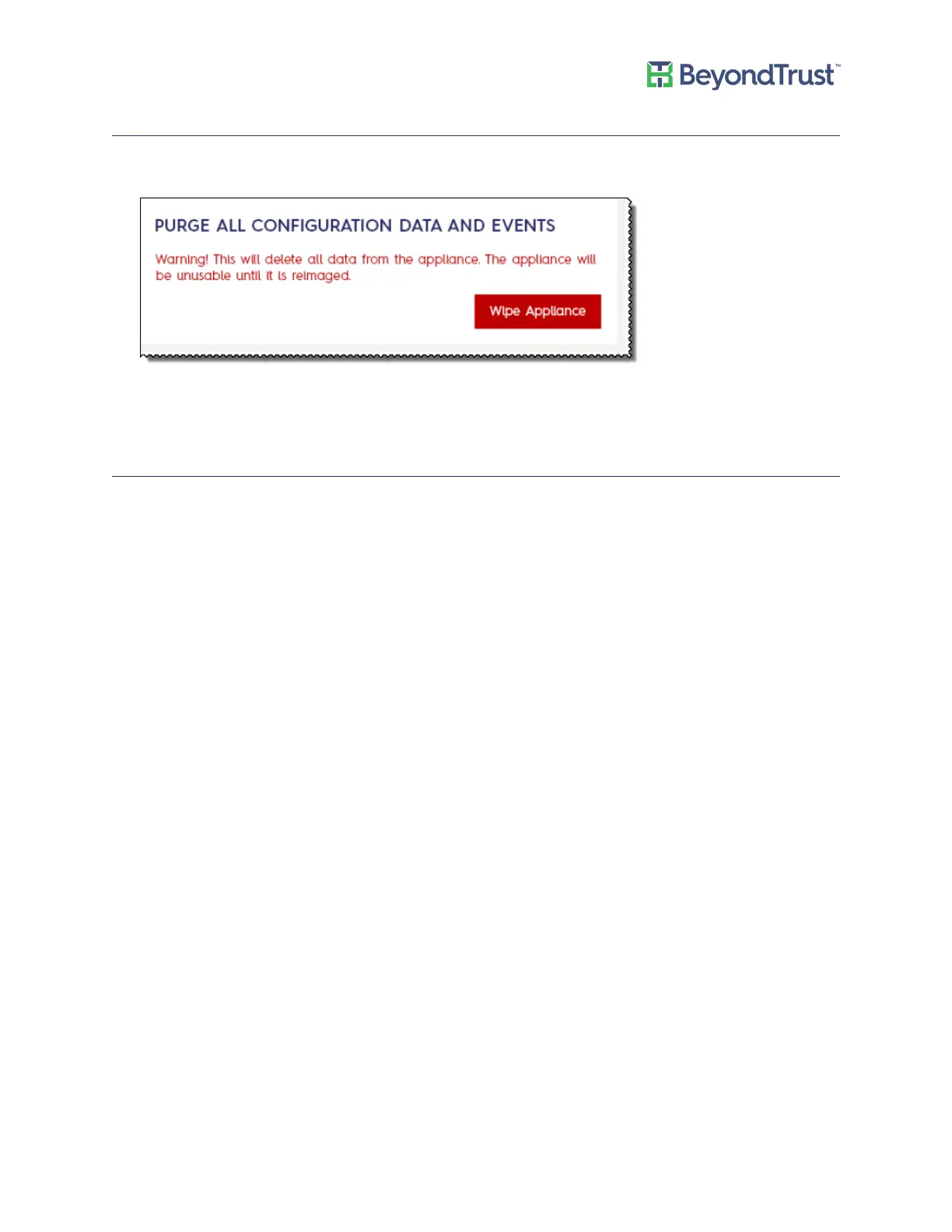
Purging Appliance Data
1. Select Accounts and Licensing from the Maintenance menu.
2. Scroll to the purge data area.
3. To erase the database and user configuration data from the appliance, click Wipe Appliance. The configuration
data and events are purged.
Resetting Administrator Passwords
You can reset the UVM administrator password, BeyondInsight administrator password, and Central Policy
password.
Ensure that you review the complexity requirements.
To reset a password:
1. Select Accounts and Licensing from the Maintenance menu.
2. Select the check box for the password that you want to change.
Accounts and Licensing Settings
UVM Appliance User Guide 19 © 2018. BeyondTrust Software, Inc.



 To Next Page