Managing Security Settings
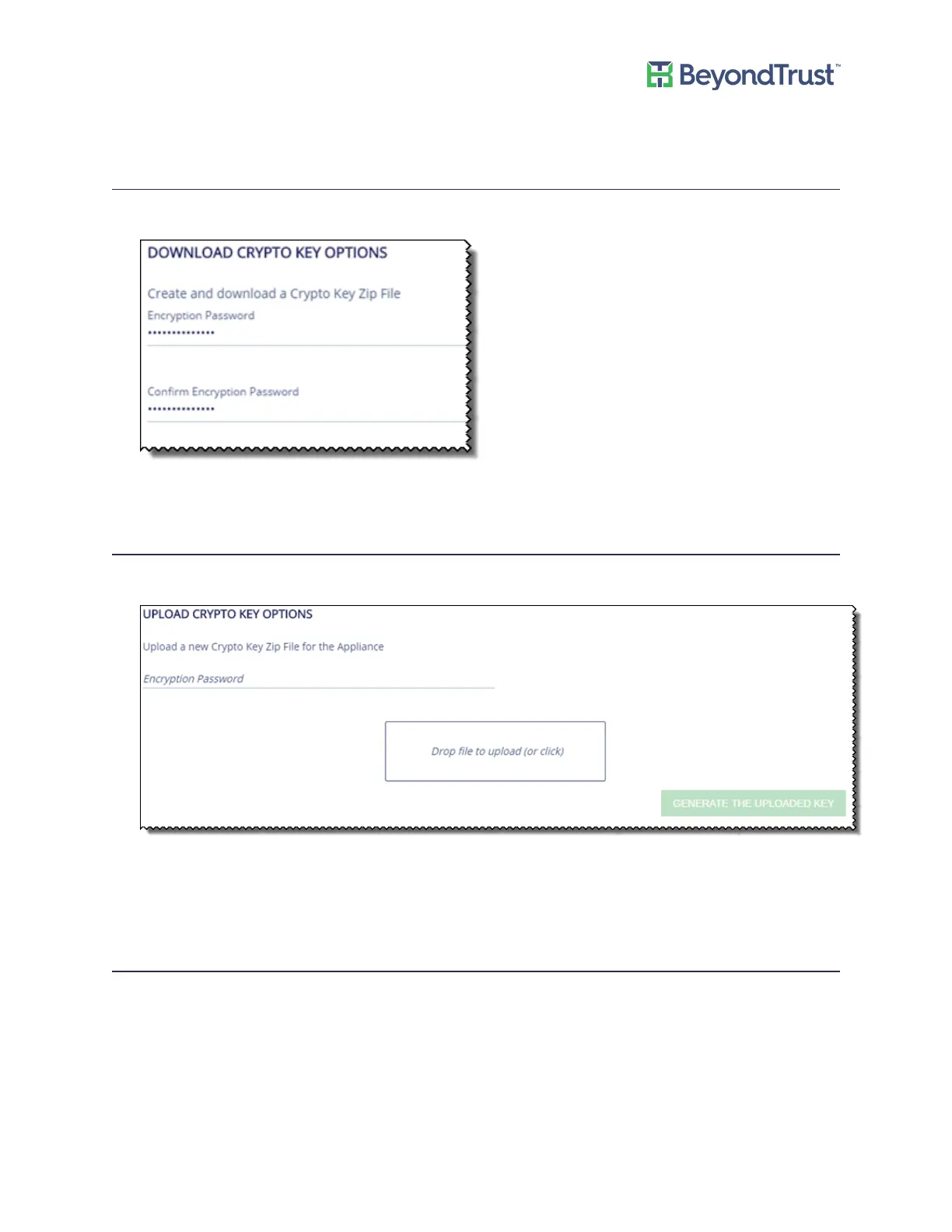
Downloading a Crypto Key
1. Select Security Settings from the Maintenance menu.
2. Enter a password, and then click Submit.
Uploading a Crypto Key
1. Select Security Settings from the Maintenance menu.
2. Enter password.
3. Drop the zip file.
4. Click Generate the Uploaded Key.
FIPS Compliance Checking
To turn on FIPS compliance checking:
1. Select Security Settings from the Maintenance menu.
Managing Security Settings
UVM Appliance User Guide 14 © 2018. BeyondTrust Software, Inc.



 To Next Page