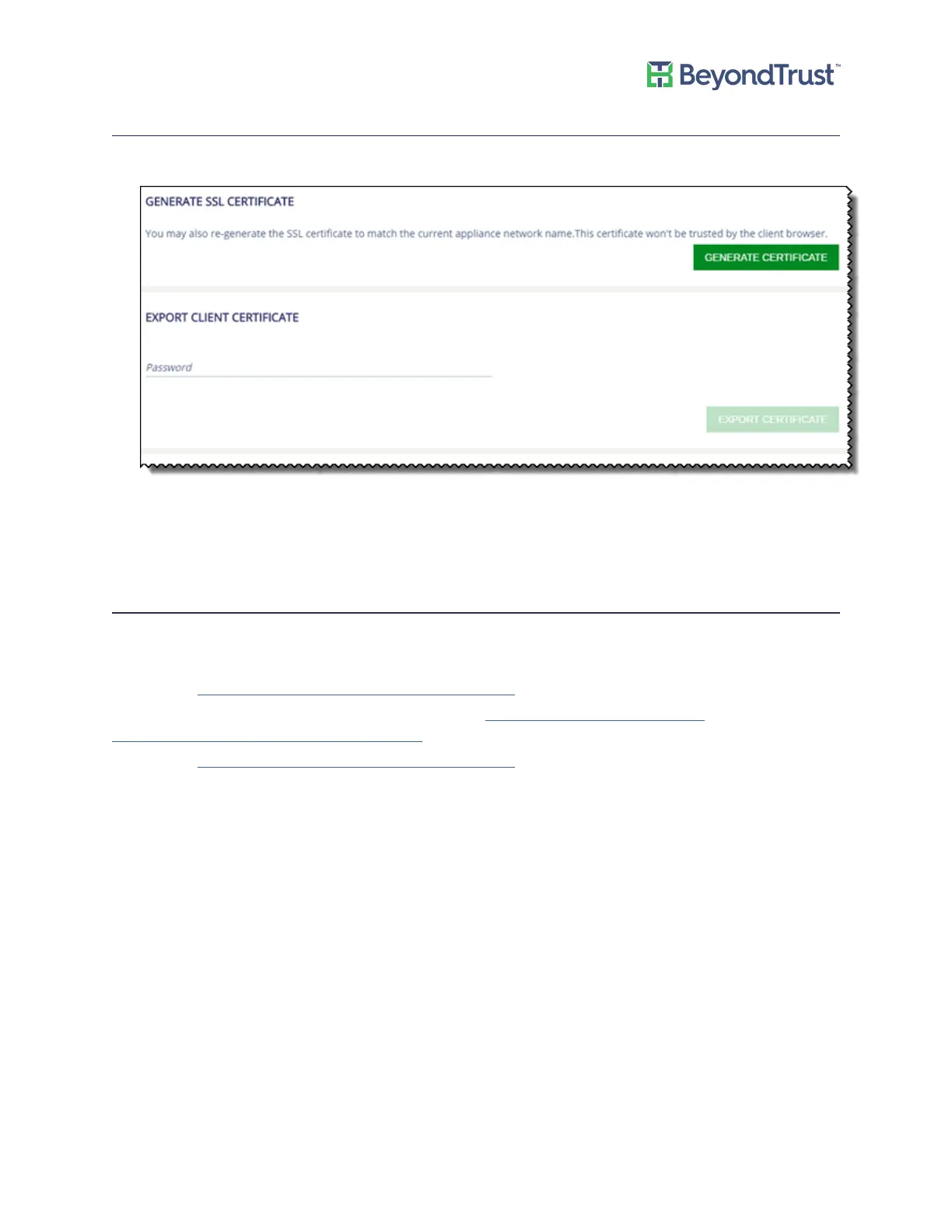
Generating and Exporting Certificates
1. Select Security Settings from the Maintenance menu.
2. To regenerate the SSL certificate to match the appliance network name, click Generate Certificate. The
certificate will not be trusted by the client browser.
3. To export the client certificate, enter the password for the certificate and then click Export Certificate.
Setting a Security Protocol
Select the security protocol that applies to your environment: SSL or TLS.
To use TLS 1.2, ensure the following patches have been applied to your appliance.
KB2979597 - https://support.microsoft.com/en-us/kb/2979597
KB3144114 – This is a hotfix. You can request it from here: https://support.microsoft.com/en-
us/hotfix/kbhotfix?kbnum=3144114&kbln=en-us
KB3144517 - https://support.microsoft.com/en-us/kb/3144517
1. Select Security Settings from the Maintenance menu.
2. Select the protocol type, and then click Update Security Protocols.
Managing Security Settings
UVM Appliance User Guide 16 © 2018. BeyondTrust Software, Inc.



 To Next Page