Turning On HSTS
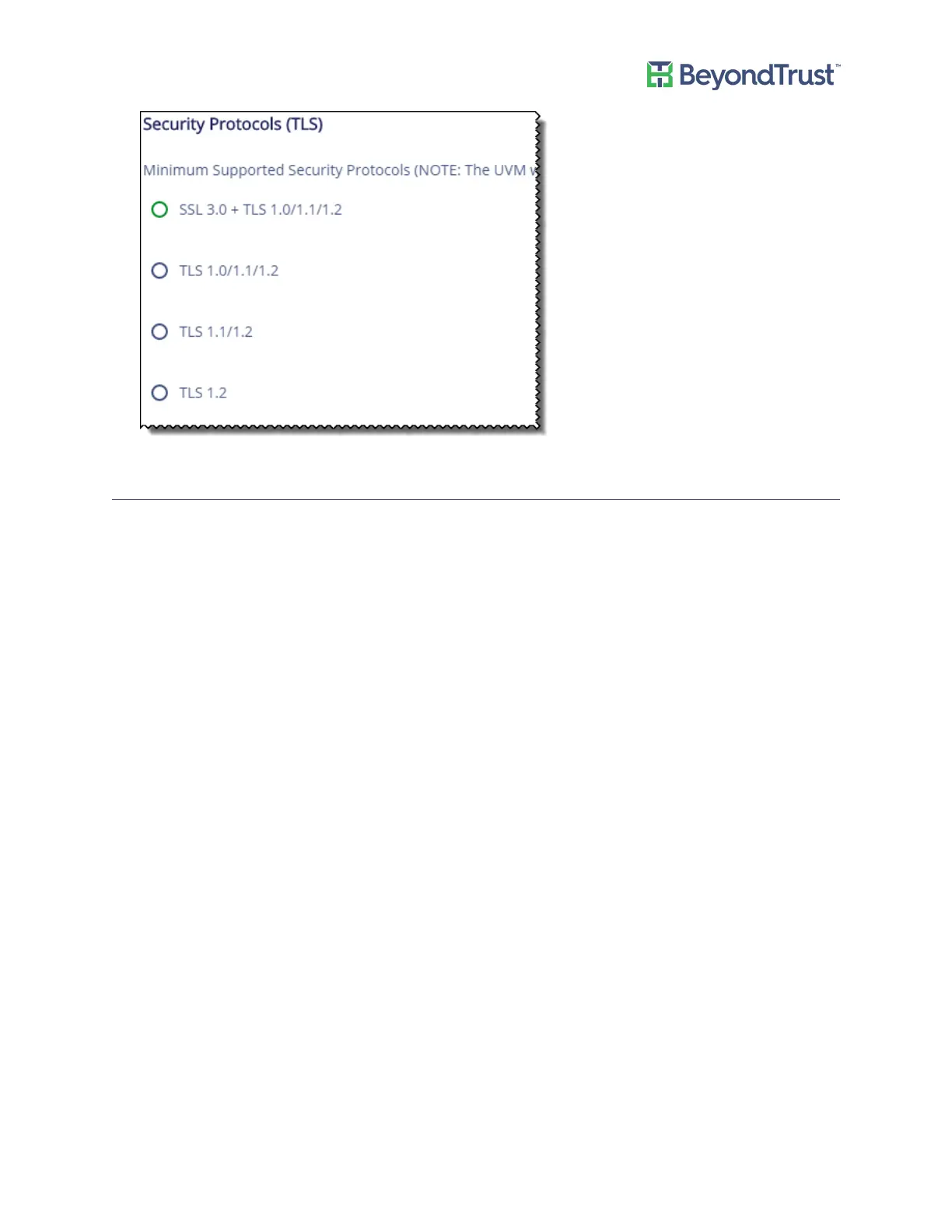
You can apply extra security to the appliance web site that will use strict transport security (HSTS) technology.
To turn on HSTS:
1. Select Security Settings from the Maintenance menu.
2. Turn on the setting, and then click Update HSTS Setting.
Managing Security Settings
UVM Appliance User Guide 17 © 2018. BeyondTrust Software, Inc.



 To Next Page