Managing the UVM API Key
The UVM API manages the communication between appliances when high availability is used in your environment.
The API key is automatically generated and is available to copy on the High Availability page. You can regenerate the
key on this page. You might want to regenerate the key regularly for security reasons.
You can also apply limitations on incoming messages.
To set the API:
1. Select Security Settings from the Maintenance menu.
2. Set the maximum age for messages, and then click Update Maximum Age. The default value is 600 minutes.
3. Click Generate API Key.
When configuring high availablity between appliances, copy the key to the High Availablity page for the partner
appliance.
Turning off SSL Authentication
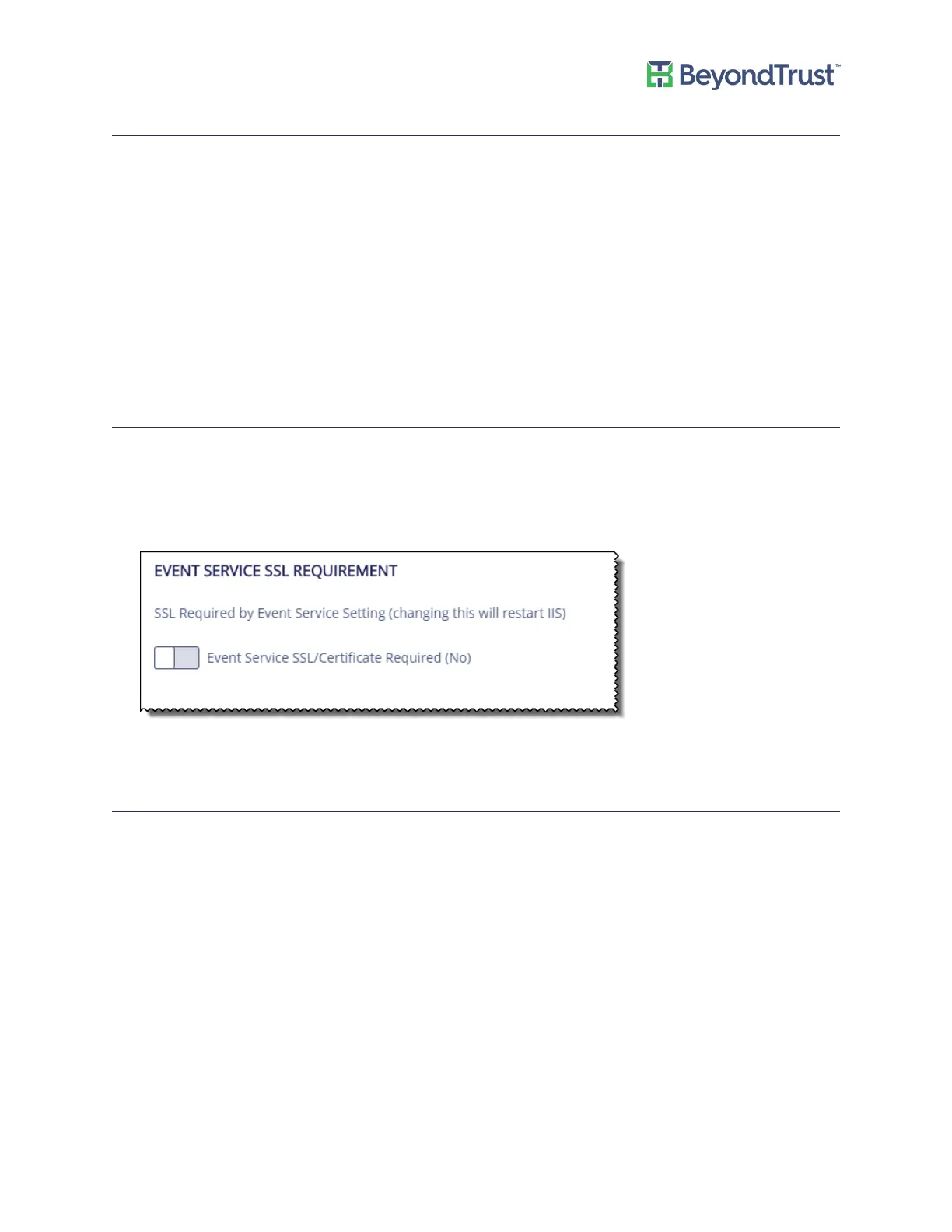
You can turn off SSL authentication. When you select SSL/Certificate Required (No), SSL certificates are ignored.
To ignore SSL certificate authentication:
1. Select Security Settings from the Maintenance menu.
2. Click Event Service SSL/Certificate Required (No).
3. Click Submit.
Analytics and Reporting Endpoints
If the BeyondInsight Analytics and Reporting web site is not reachable, you can refresh the settings to establish the
connection.
1. Select Security Settings from the Maintenance menu.
2. Click Refresh.
Managing Security Settings
UVM Appliance User Guide 15 © 2018. BeyondTrust Software, Inc.



 To Next Page