UVM Recovery
This section applies to UVM20 and UVM50 appliances.
Use the recovery procedure to rebuild your UVM.
All information saved or configured on the UVM will be lost.
There is no way to recover this data.
Note: Retrieve BitLocker keys before starting the recovery process.
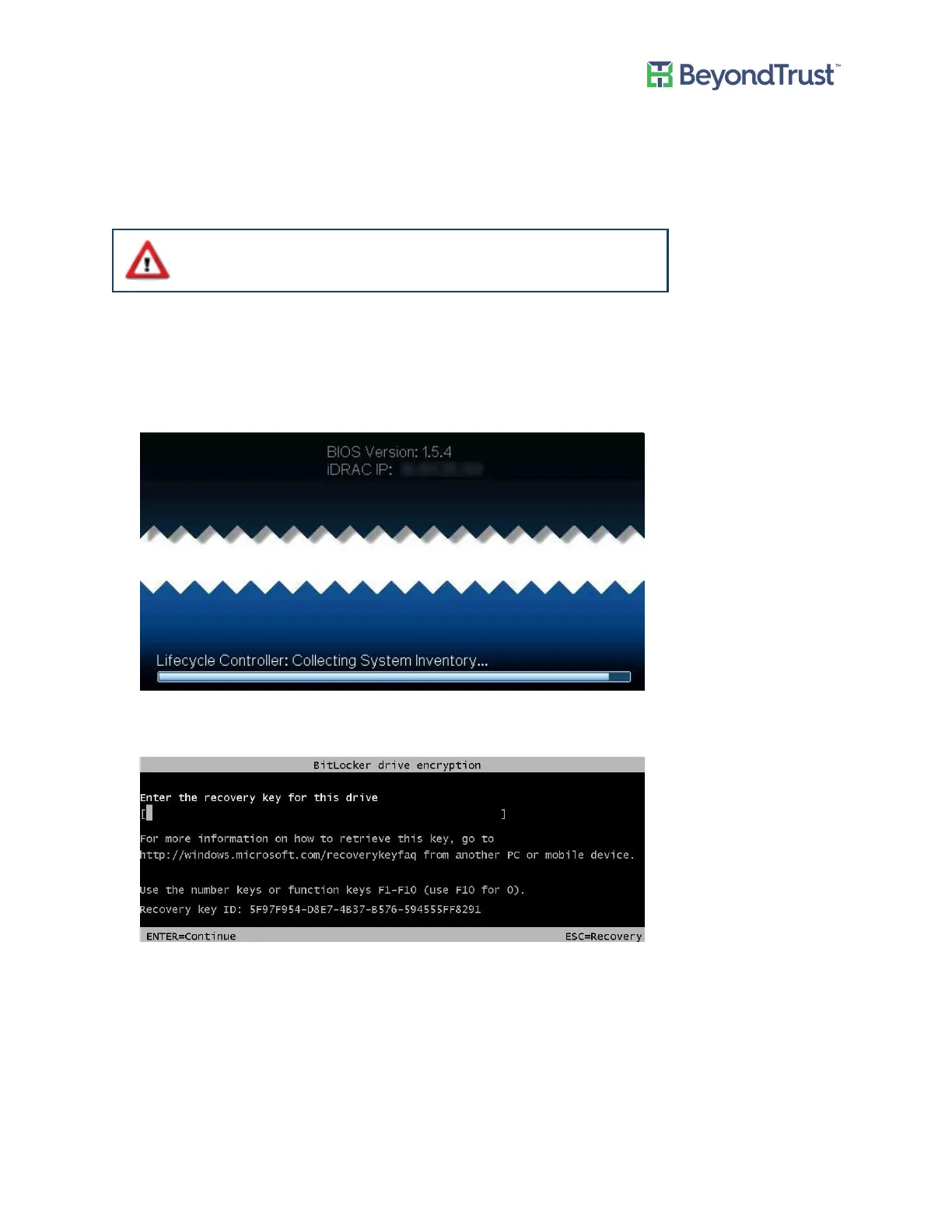
1. After the appliance is restarted and you see the following screen, press the F8 key to enter the Windows boot
options. Try pressing the key a few seconds apart to make sure you don’t miss the chance to access the boot
options.
2. Press Enter to go to the BitLocker key prompt.
3. Enter the BitLocker Password for the C: Drive (match up the corresponding ID#) and press Enter.
4. On the Advanced Boot Options screen, press Enter to choose Repair Your Computer.
5. Click Troubleshoot.
6. Click Reset Your PC.
7. Enter Drive password for ID which is displayed and click Continue.
8. Click Next.
9. (UVM50 Only). Select All drives.
10. Click Just remove my files.
UVM Recovery
UVM Appliance User Guide 52 © 2018. BeyondTrust Software, Inc.



 To Next Page