Verifying Connectivity Between Servers
On the High Availability Configuration page, verify that the communication between appliances is active.
The Last Heartbeat indicates the last ping to the passive server and the return response to the active.
Database Status After a Failover
Important: In all scenarios, we strongly recommend investigating the cause of the failure. We do not recommend
resuming database mirroring until issues are resolved.
The following database status indicators might display after a failover.
• DISCONNECTED – Failover was catastrophic (server is completely unavailable/unreachable). Turn off High
Availability and investigate the issues with the failed server.
After the failed server is cleared for use, turn on High Availability and synchronize the databases.
• EXPOSED – If the other server is still available (and possibly still healthy) but the failover was serious or lengthy
enough that High Availability was disabled.
After the failed server is cleared for use, turn on High Availability and synchronize the databases.
• SUSPENDED – If the interruption was of a minor or transient nature. While it may be possible to restore
connectivity without disabling High Availability, we encourage you to turn off HA and investigate the issues with
the other server.
After the failed server is cleared for use, turn on High Availability and synchronize the databases. Optionally,
contact BeyondTrust Technical Support to see if mirroring can be restored.
Restoring Roles After a Failover
After a failure has been identified and resolved on an appliance, you can restore the roles to the initial state.
1. Log on to the appliance web site from the Active appliance.
2. Select High Availability from the menu.
3. Click Switch Roles.
Reviewing Database Metrics
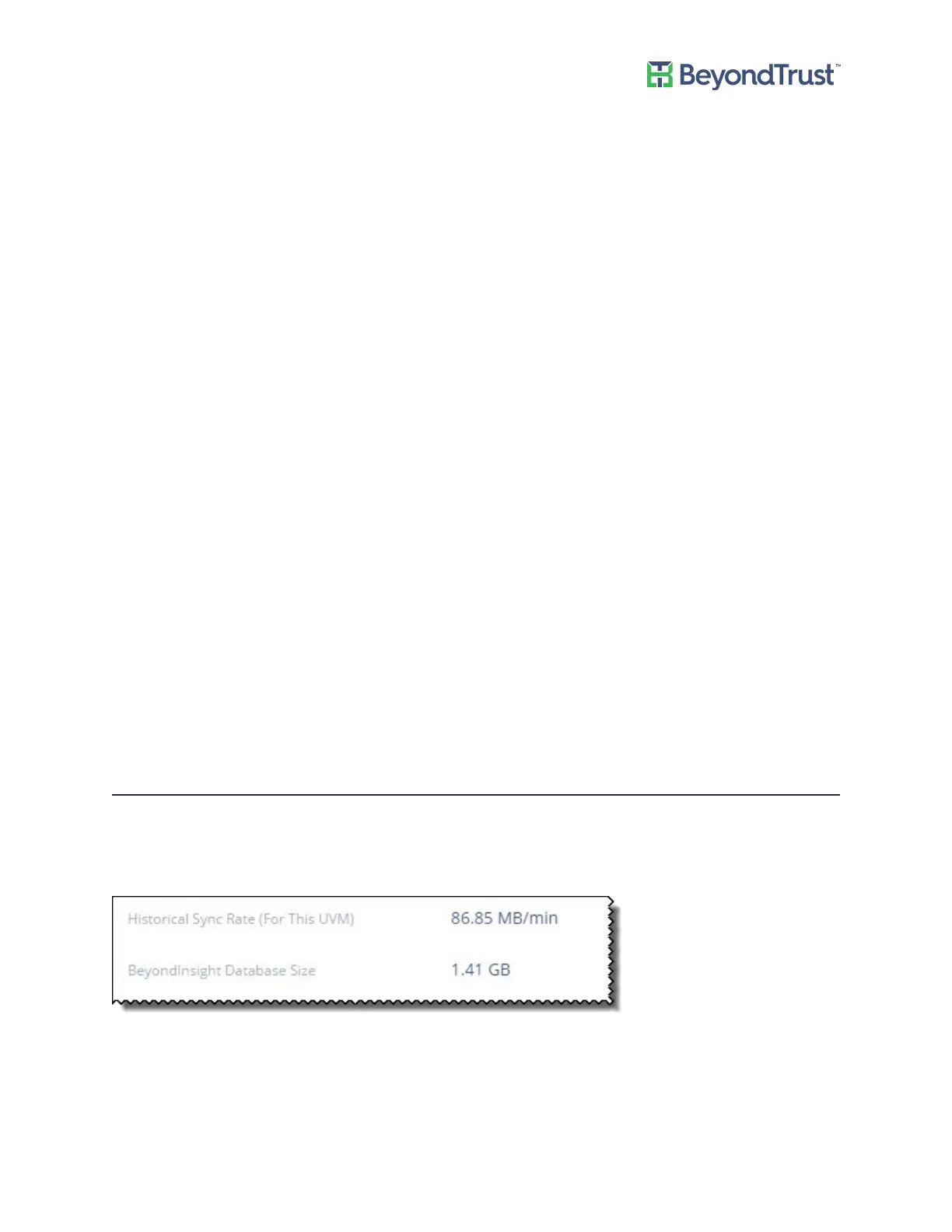
On the High Availability Settings page, you can review information about earlier database synchronizations and the
size of the current BeyondInsight database.
You can then determine from these values how long a synchronization between servers might take.
Using High Availability
UVM Appliance User Guide 48 © 2018. BeyondTrust Software, Inc.



 To Next Page