To create the connector:
1. Log on to BeyondInsight.
2. Select Configuration from the menu, and then select Connectors.
3. Click + and select Syslog Event Forwarding.
4. Enter the details for the UVM appliance, including IP address, protocol, and facility.
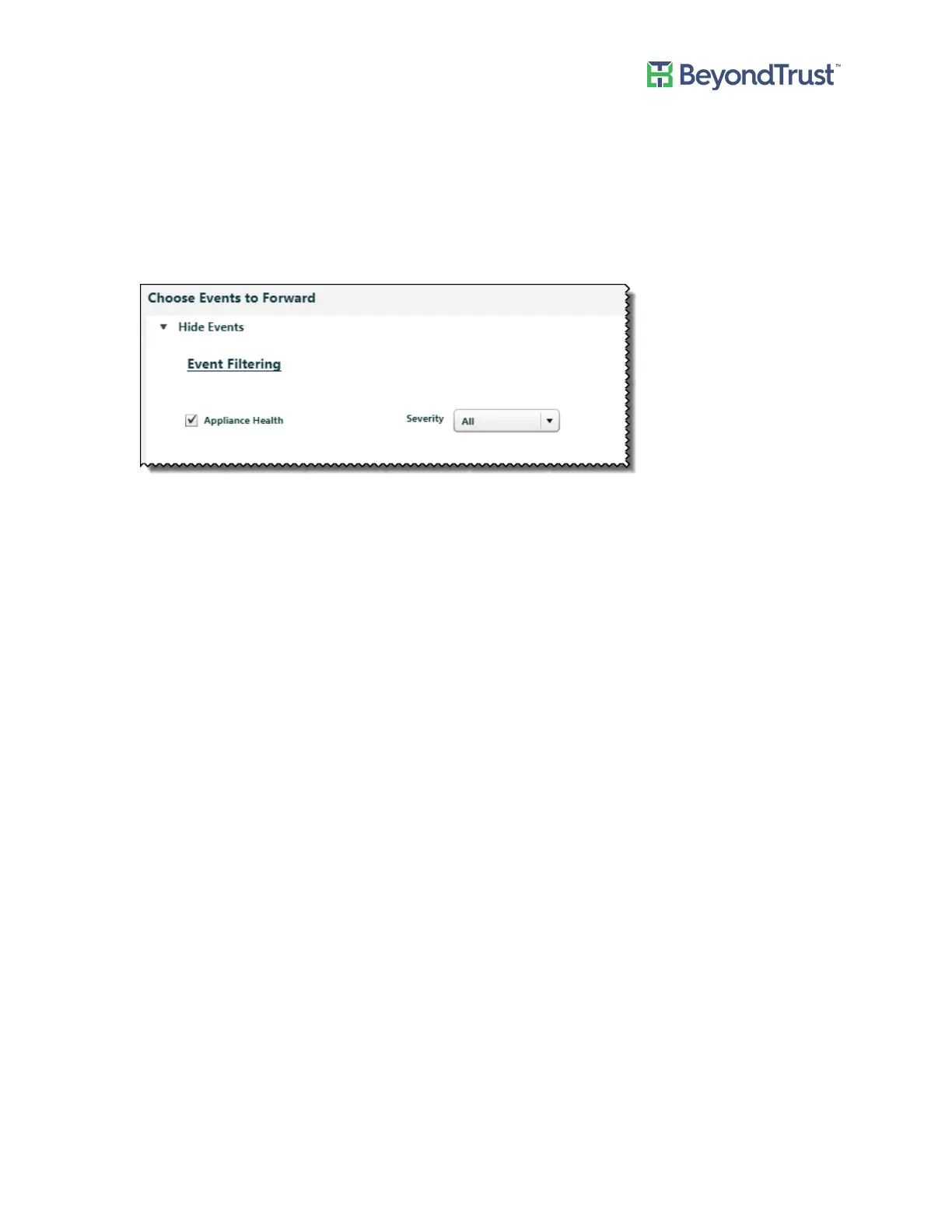
5. Select the Appliance Health check box.
By default all severity levels are included. Select an alternate level if needed.
Appliance Health
UVM Appliance User Guide 31 © 2018. BeyondTrust Software, Inc.



 To Next Page