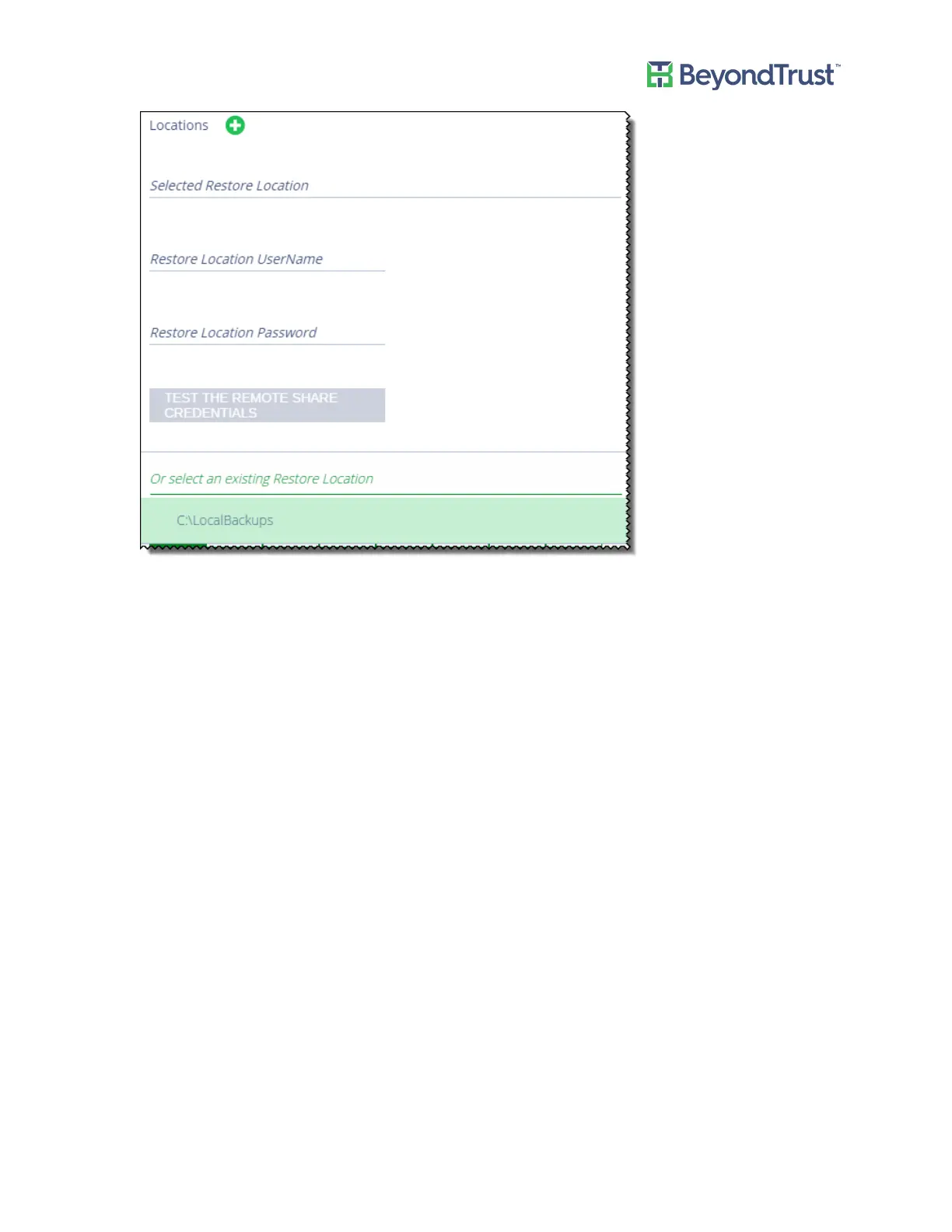
5. Set scheduling information, including the day of the week and time. The cold spare retrieves the information
from the backup file at this time. When the cold spare starts up the data from the last backup file retrieved is
used.
6. Enter a restore password.
7. Provide a temporary machine name.
Appendix C: Setting up a Cold Spare Appliance
UVM Appliance User Guide 60 © 2018. BeyondTrust Software, Inc.



 To Next Page