19
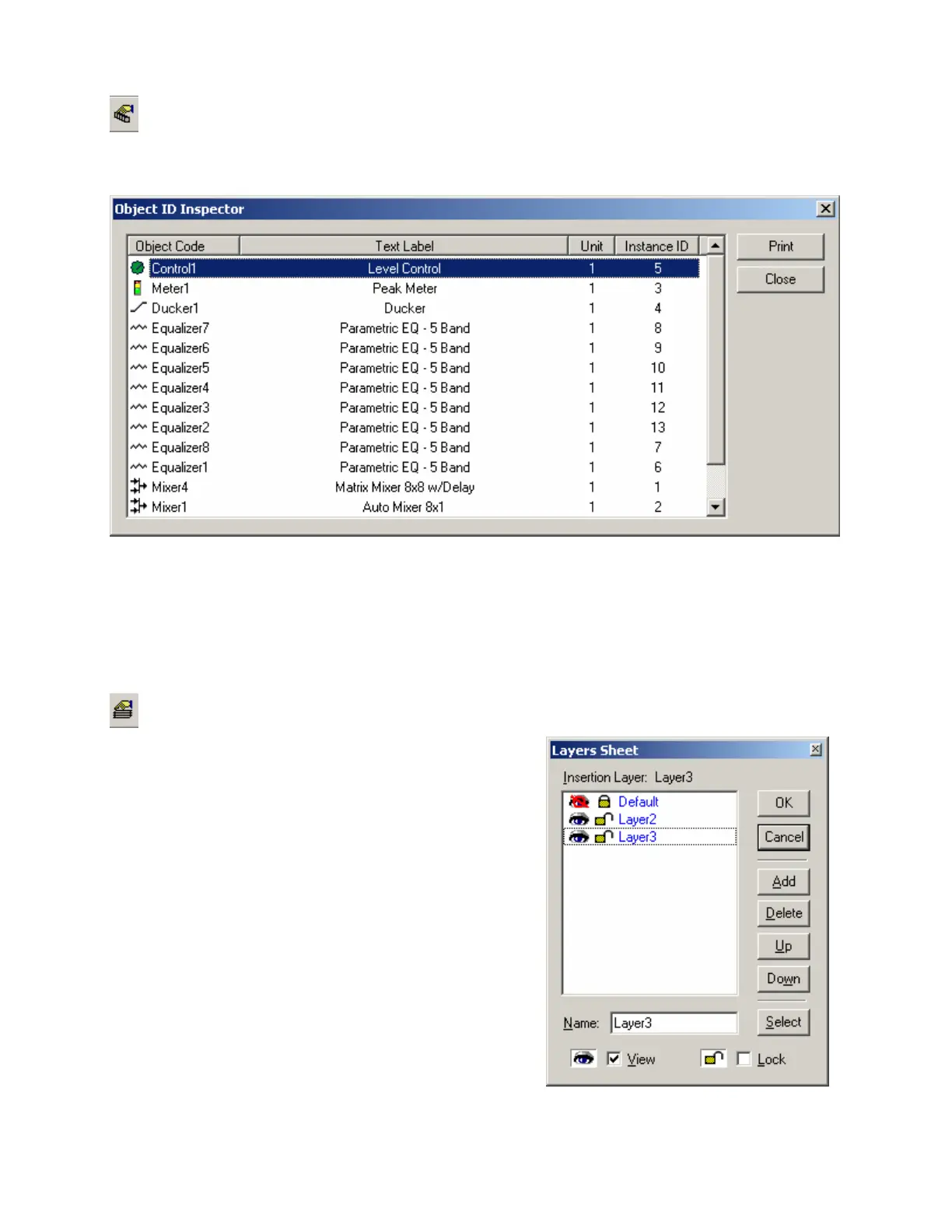
Object Inspector
Provides a list of all objects within the Layout, along with their Object Codes,
Text Labels, Unit numbers, and Instance ID numbers.
Layers Sheet
Provides an editable table of Layer properties. Layers can
be used to separate a Layout into multiple parts. The Layers
can be organized with regards to object types, system
segments, or any other criteria. The Default Layer always
remains, but other Layers may be created or removed, using
Add & Delete. Layers may be selected directly from the list.
Up & Down change the position of a Layer in the list only
(Layers are not stacked, so this does not affect Tab Order or
visual overlapping). All objects in a given Layer can be
selected with Select. Added Layers can be given a custom
Name. View turns on/off visibility of a Layer in the Layout.
NOTE: Components cannot be selected when the current
Layer is invisible. Lock prevents a Layer from being
changed or selected. Lock & View may also be accessed by
double-clicking on the corresponding icons within the list.



 To Next Page