60
Mix-Minus Combiners
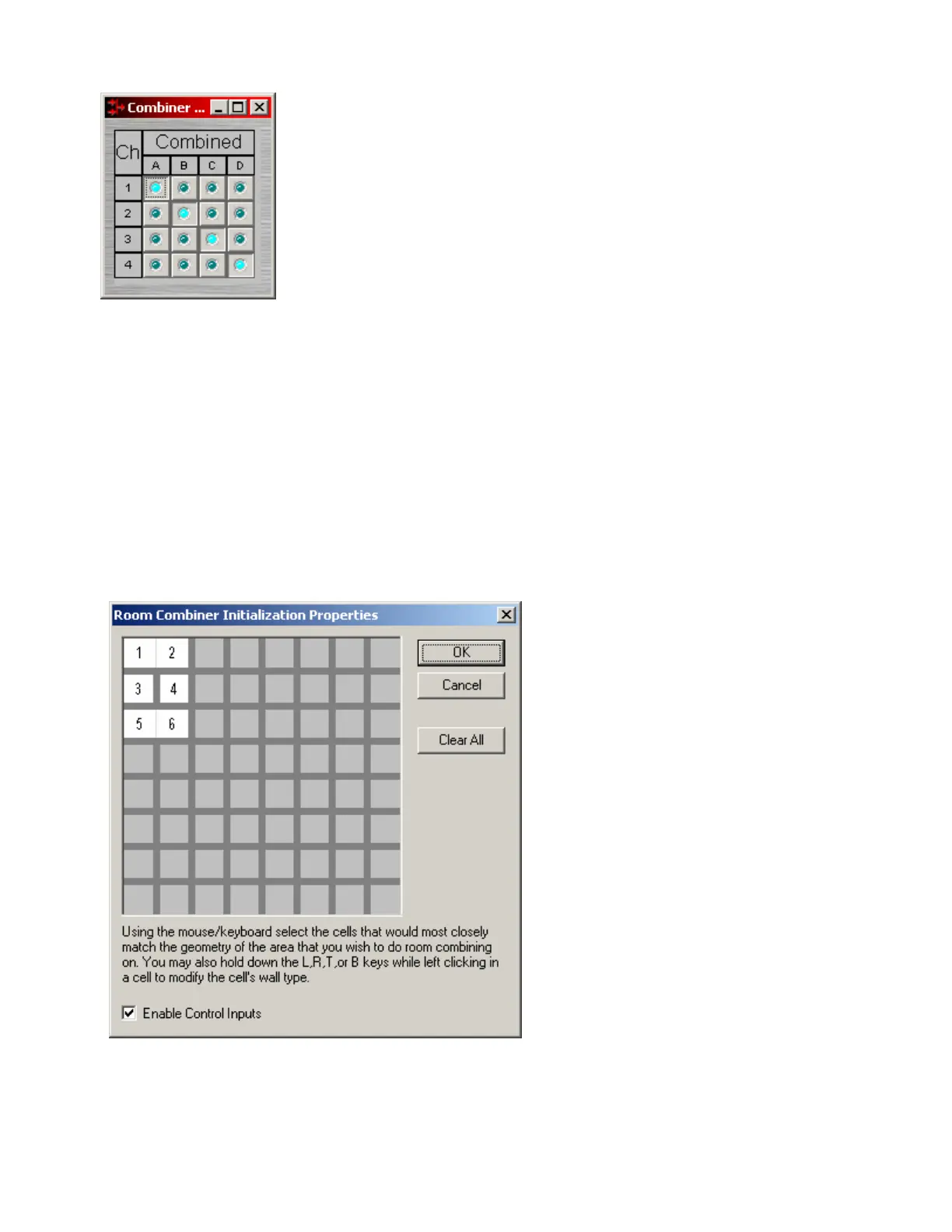
Mix-Minus Combiners are provided to enhance the capabilities of Auto
Mixers in mix-minus and input expansion applications. Mix-Minus
Combiners combine control data only and, therefore, have no audio outputs.
Inputs to a Mix-Minus Combiner come from outputs of separate Auto
Mixers. Ch / Combine allows input channels (1, 2, 3 etc.) to be grouped
into specific combinations (A, B, C, etc.). These combinations automatically
determine proper routing of control data for the Auto Mixers. Control data
represents NOM (number of open mics) and ATS (adaptive threshold
sensing) information. Mix-Minus Combiners are used when the Auto Mixer
outputs are also connected to a separate Matrix Mixer (to create multiple
'mix-minus' outputs). Also, Mix-Minus Combiners allow large Auto Mixers to
be created from multiple, smaller ones. This is useful when more than 32
inputs are required, or when an Auto Mixer must be placed into multiple
Audia units (for proper DSP allocation or for physical location of inputs).
Right-clicking over certain settings will provide a menu of additional options.
Room Combiners
Room Combiners are provided to enhance the capabilities of Auto Mixers in room combining and zone
routing applications. Room Combiners automatically determine proper routing of audio signals & control
data for the Auto Mixers. Control data represents NOM (number of open mics) and ATS (adaptive
threshold sensing) information. Room Combiners are available only from the Object Toolbar (not from the
Processing Library).
When a Room Combiner is placed,
an Initialization Properties dialog box
appears for creating physical
relationships between rooms. The
overall space is first defined by left-
clicking multiple squares (non-
contiguous rooms are allowed).
Right-clicking then provides a menu
of additional options, such as Merge
adjacent squares into larger rooms,
and Isolate rooms which have no
moveable partitions. Enable
Control Inputs provides the Room
Combiner with control nodes, which
allow combining via external devices
(see Controls).



 To Next Page