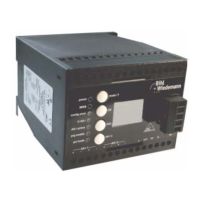
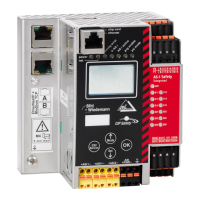
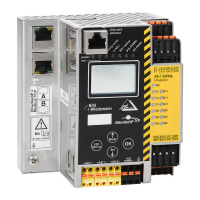
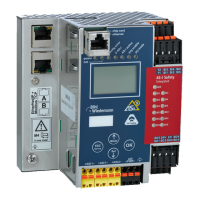
AS-i/PROFIBUS Gateway Connections, Displays and Operating Keys
Subject to reasonable modifications due to technical advances Copyright Bihl+Wiedemann, Printed in Germany
Bihl+Wiedemann GmbH · D-68199 Mannheim · Phone +49-621-339960 · Fax +49-621-3392239 · Internet http://www.bihl-wiedemann.de
issue date 7.1.2002
23
dress zero. The master addresses the new slave to the faulty ad-
dress and thus eliminates the configuration error.
prj mode The AS-i master is in configuration mode.
4.3.3 Push-Buttons
The two push-buttons cause following:
mode Switching between the configuration mode and the protected operating
mode and saving the actual AS-i configuration as the nominal configura-
tion.
set Selection and assigning the address to a slave.
The detaiilled description is described in chapter 5.
By IP65 devices the push-buttons under the top of the housing to prevent liquids
from entering. For operation of the device the top of the housing is to be screwed
off.



 To Next Page