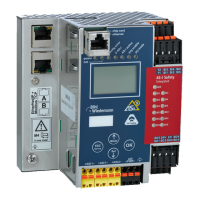
AS-i/PROFIBUS Gateway Commissioning Tools and Accessories
Subject to reasonable modifications due to technical advances Copyright Bihl+Wiedemann, Printed in Germany
Bihl+Wiedemann GmbH · D-68199 Mannheim · Phone +49-621-339960 · Fax +49-621-3392239 · Internet http://www.bihl-wiedemann.de
issue date 7.1.2002
97
9 Commissioning Tools and Accessories
The AS-i circuit on the AS-i/PROFIBUS Gateway can be put into operation with the
comfortable Windows software "AS-i Control" Tools (art. no. 1203).
This software communicates with the AS-i/PROFIBUS gateway by means of a
PROFIBUS DP Mastersimulator DP V1 (art. no. 1257) or Serial PROFIBUS Ma-
ster (art. no 1258), which converts the RS 232-signals of the PC to PROFIBUS.
The AS-i master in IP65 needs an additional D-Sub data transmission cord for the
AS-i masters in IP65 (art. no. 1097).
9.1 Windows Software AS-i Control Tools
The Windows software AS-i Control Tools enables you to configure the AS-i circuit
in a very comfortable manner.
1. For that purpose plug in a Bihl+Wiedemann PROFIBUS-DP Master Simulator
DP V1 or serial PROFIBUS Master to the D-SUB-connector of the AS-i/PROFI-
BUS gateway and connect the device with a fully covered cable to the serial in-
terface of your PC.
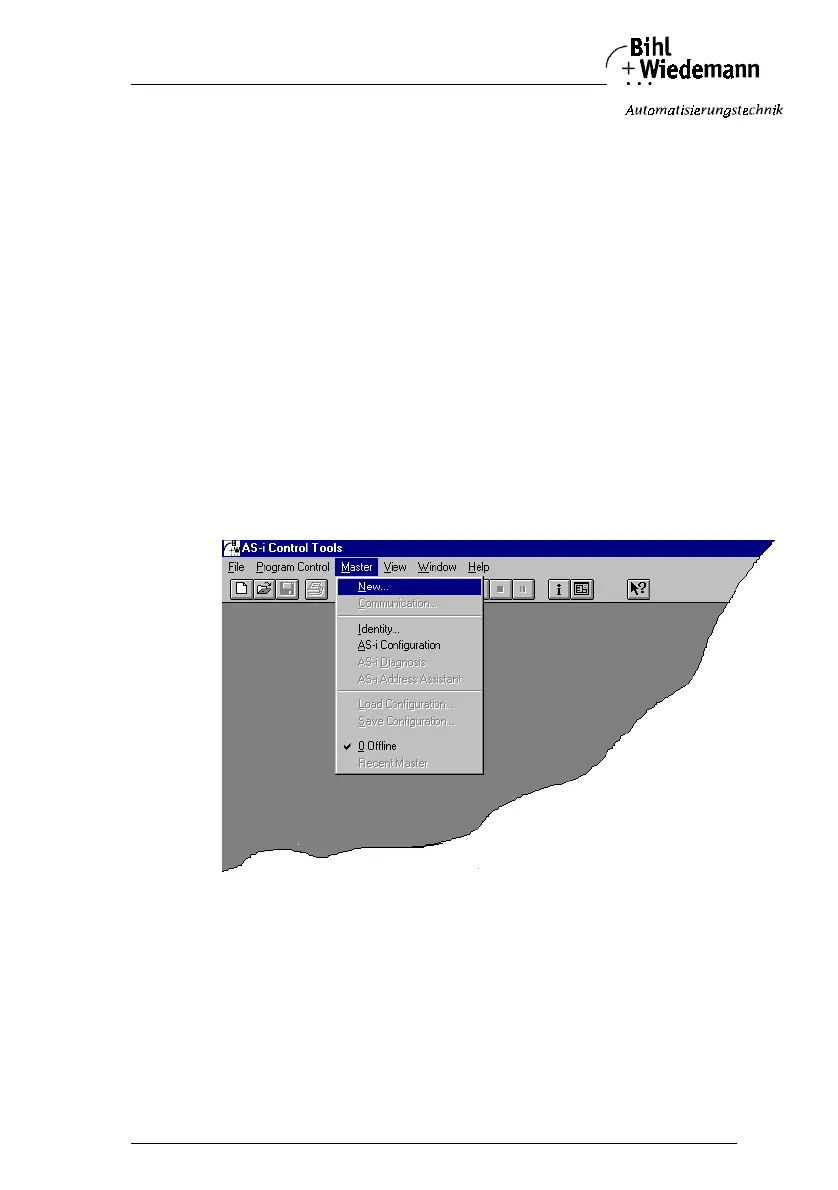
2. Start the AS-i Control Tools.
3. Call the command Master | New.
4. Choose PROFIBUS as protocol.



 To Next Page