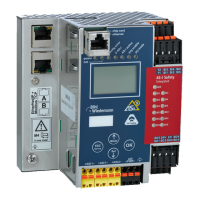
AS-i/PROFIBUS Gateway Commissioning Tools and Accessories
Subject to reasonable modifications due to technical advances Copyright Bihl+Wiedemann, Printed in Germany
Bihl+Wiedemann GmbH · D-68199 Mannheim · Phone +49-621-339960 · Fax +49-621-3392239 · Internet http://www.bihl-wiedemann.de
issue date 7.1.2002
98
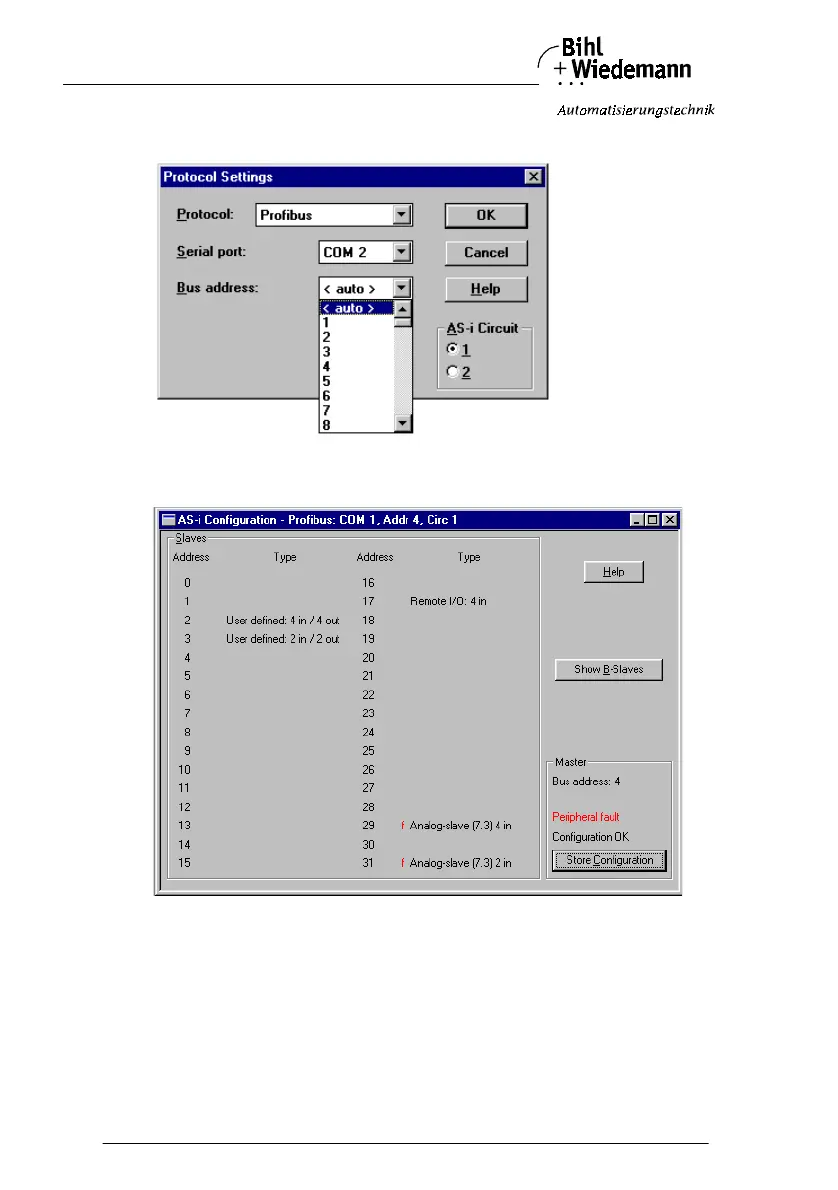
5. Do the appropriate settings. (e.g. serial interface COM 2, station address <au-
to>, AS-i circuit 1)
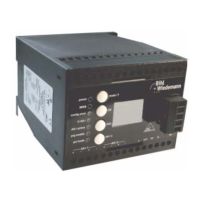
6. Call the command Master | AS-i configuration.
The AS-i configuration editor will be started. All detected and projected AS-i
slaves are displayed in this window.



 To Next Page