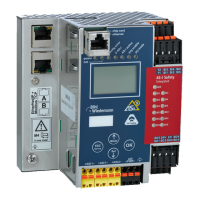
AS-i/PROFIBUS Gateway Commissioning Tools and Accessories
Subject to reasonable modifications due to technical advances Copyright Bihl+Wiedemann, Printed in Germany
Bihl+Wiedemann GmbH · D-68199 Mannheim · Phone +49-621-339960 · Fax +49-621-3392239 · Internet http://www.bihl-wiedemann.de
issue date 7.1.2002
99
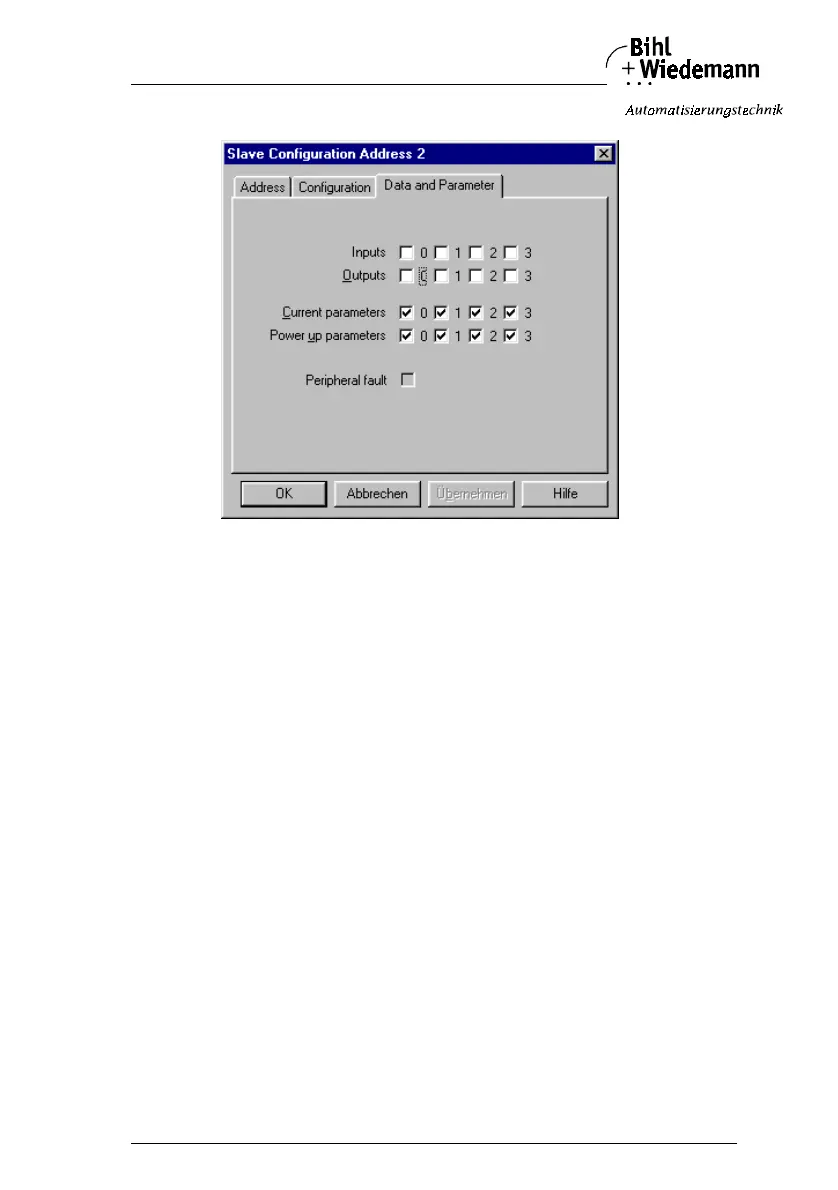
7. Click on a slave entry to open the dialogbox slave configuration.
This dialog box is for changing a slave address, setting AS-i parameters or AS-i
configuration data. Additionally you can test inputs and outputs.
A very easy approach to configure the AS-i circuit is connecting each AS-i slave to
the line and setting the AS-i slave address one after the other. After that press the
button “Store configuration” to adopt the detected AS-i circuit to the AS-i master as
projected data.
Moreover you can use the AS-i Address Assistant. This tool changes automati-
cally the address of an AS-i slave to the desired address after plugging the slave
to the AS-i line. The desired AS-i configuration can be created off-line before and
stored to a file. When you build up the plant you only have to plug the AS-i slaves
to the AS-i line one after the other.
Further descriptions to all features of the software can be obtained from the inte-
grated help.



 To Next Page